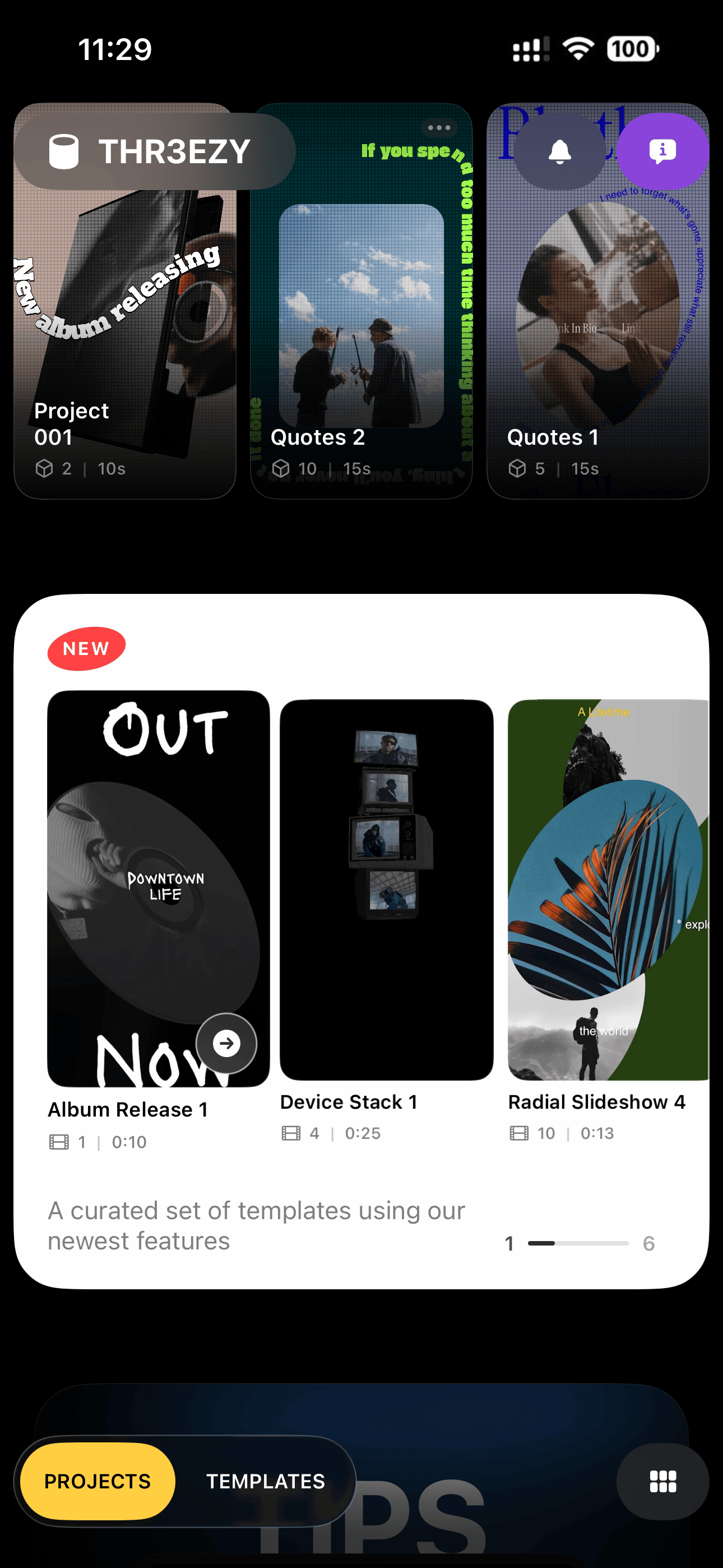
THR3EZY
Features
1. 3D Video Templates
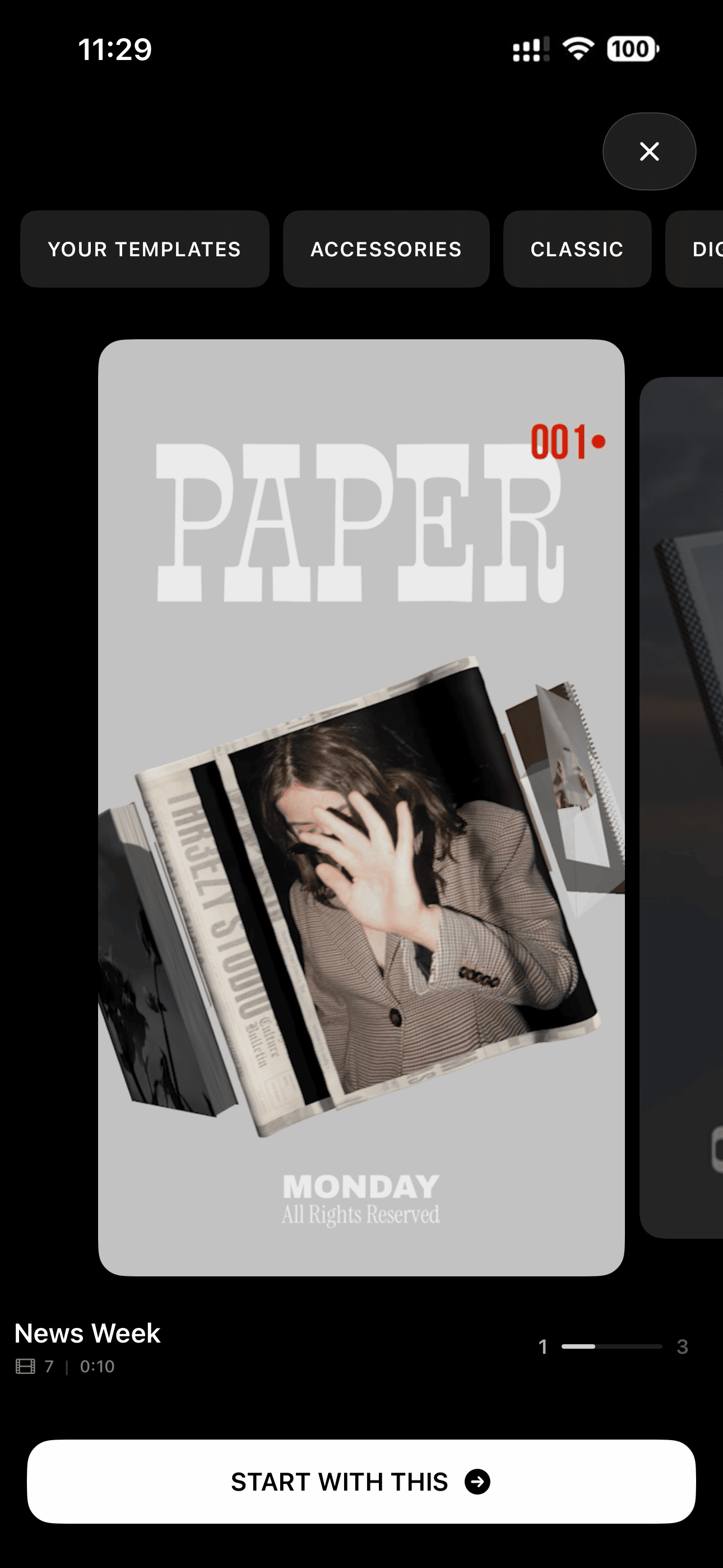
Pick a designed, animated 3D template and have a finished vertical video in minutes.
2. Replace Template Media in Seconds
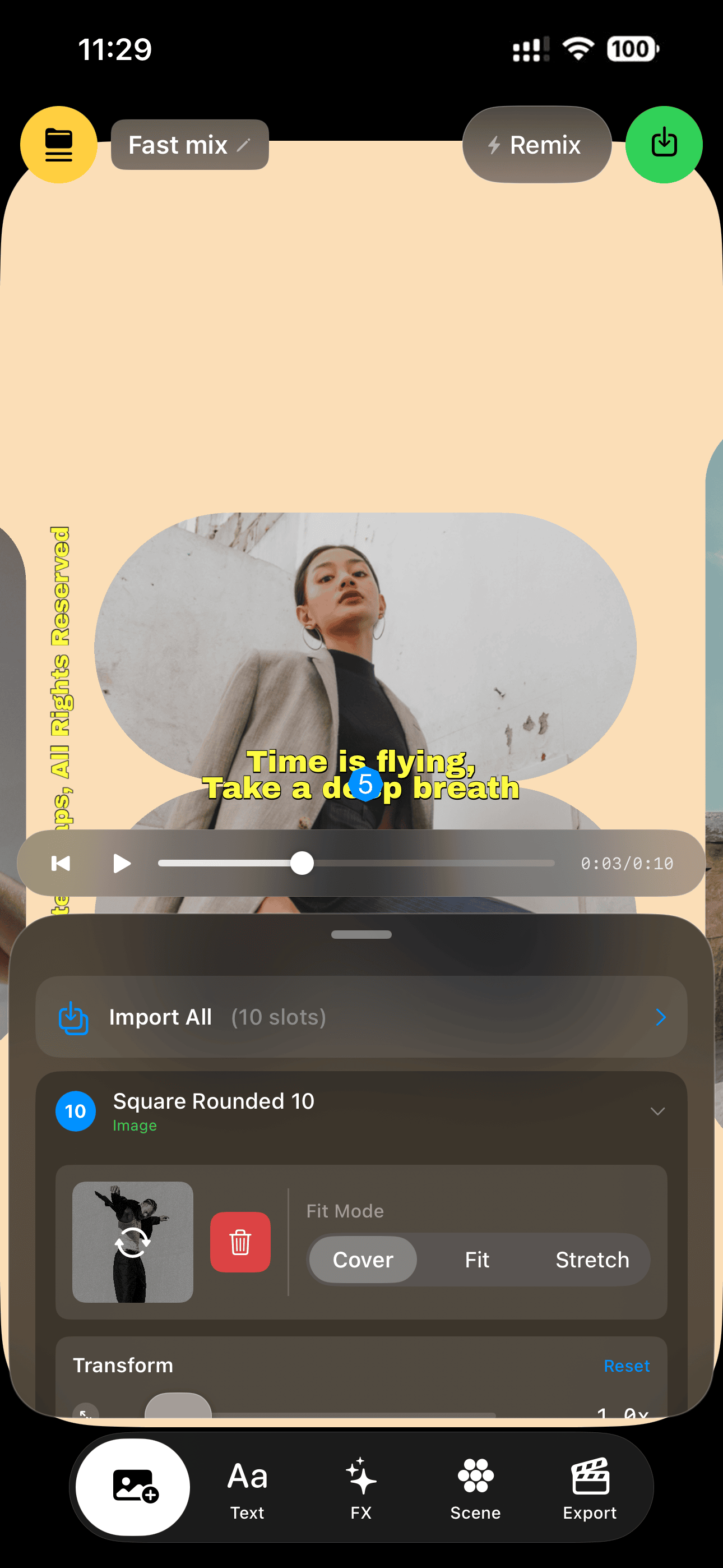
Tap Import All, pick your photos and videos, and every media slot in the template fills automatically.
3. A True 3D Editor on iPhone
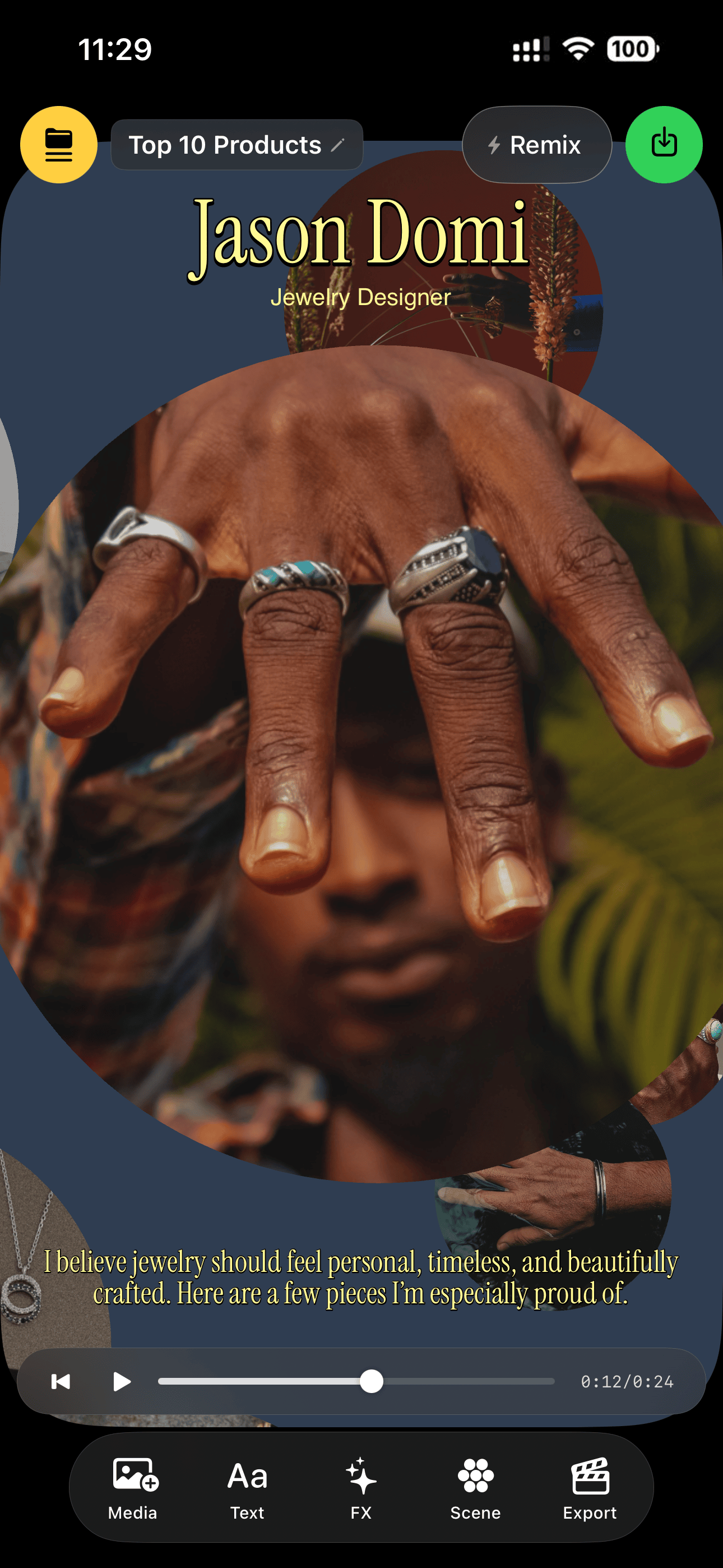
A real 3D viewport — orbit the scene, place objects in space, and design in perspective on a phone.
4. Your Media on 3D Objects
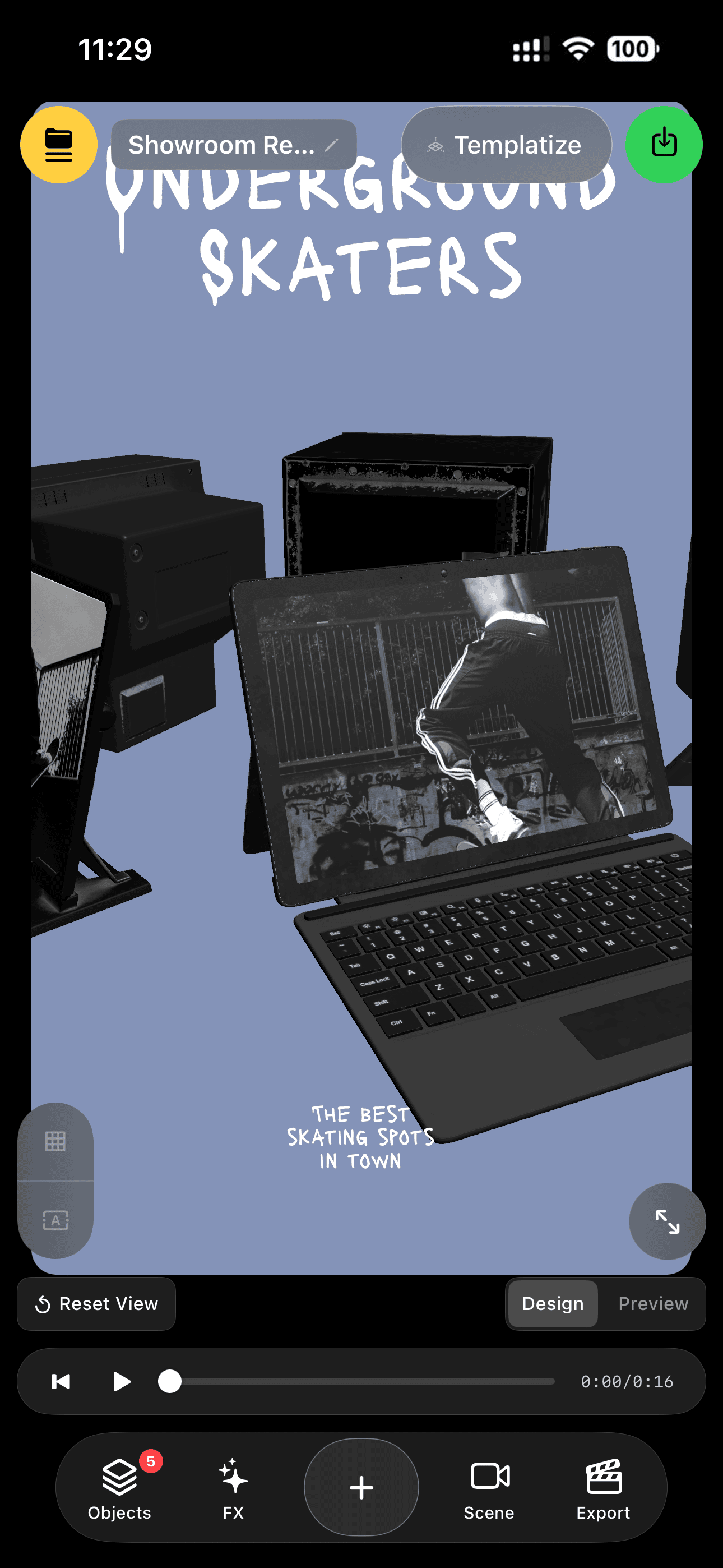
Photos and videos live on the surfaces of 3D objects — cards, TVs, books, signs — not in flat boxes.
5. Cinematic Camera Presets
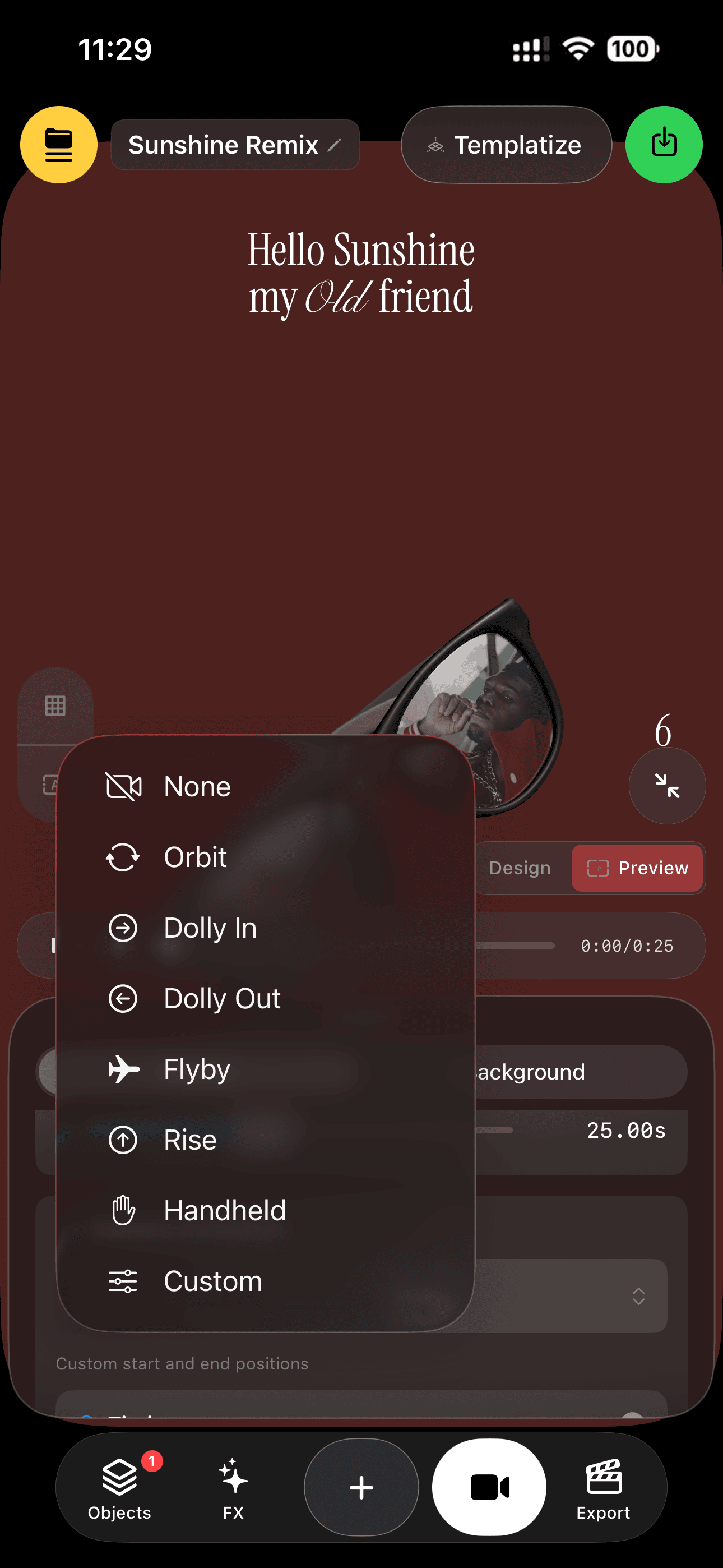
One tap gives your scene a camera move — Orbit, Dolly, Flyby, Rise, Handheld — with a 10-easing library, or go fully custom.
6. Group Layouts
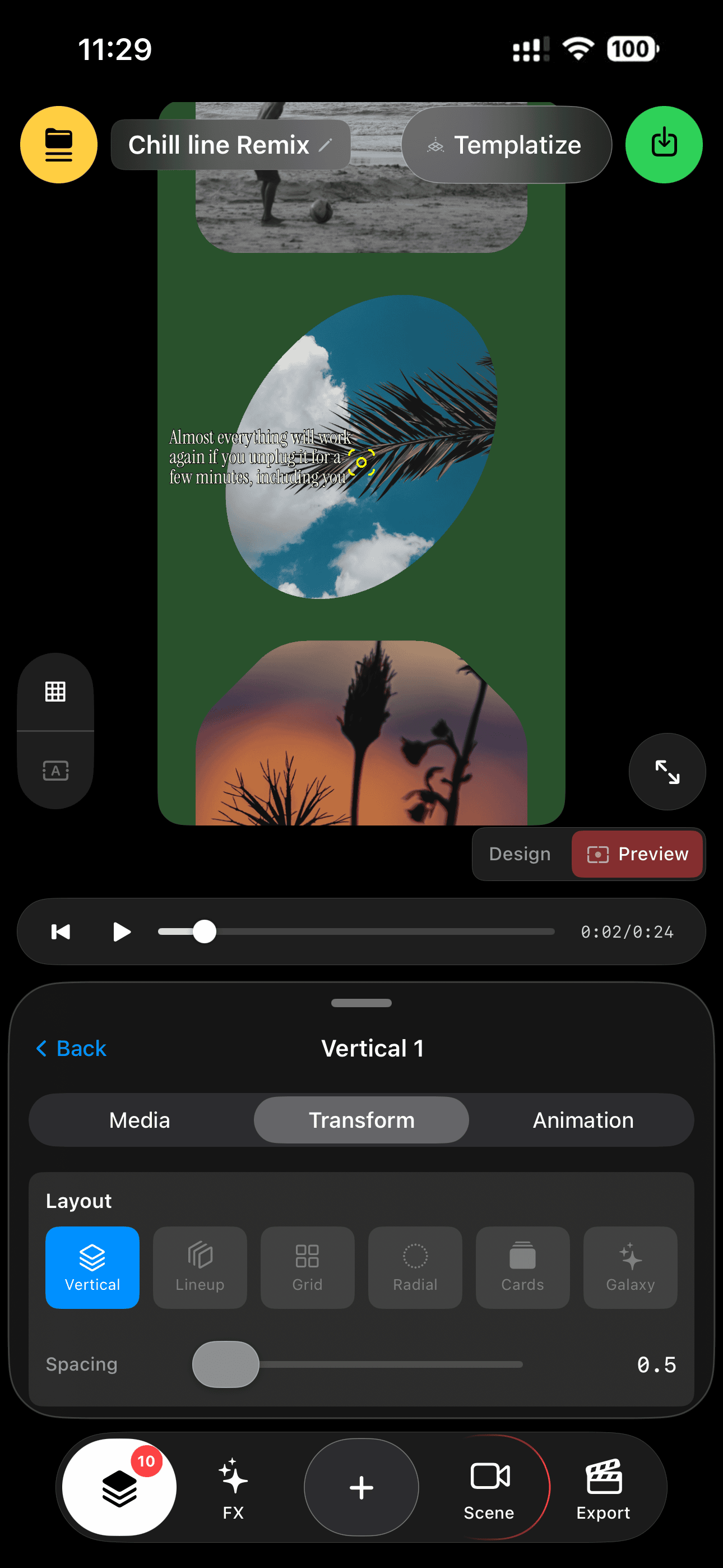
Arrange up to 10 media objects instantly — Vertical, Lineup, Grid, Radial, Cards, or a scattered Galaxy.
7. Slideshow Groups
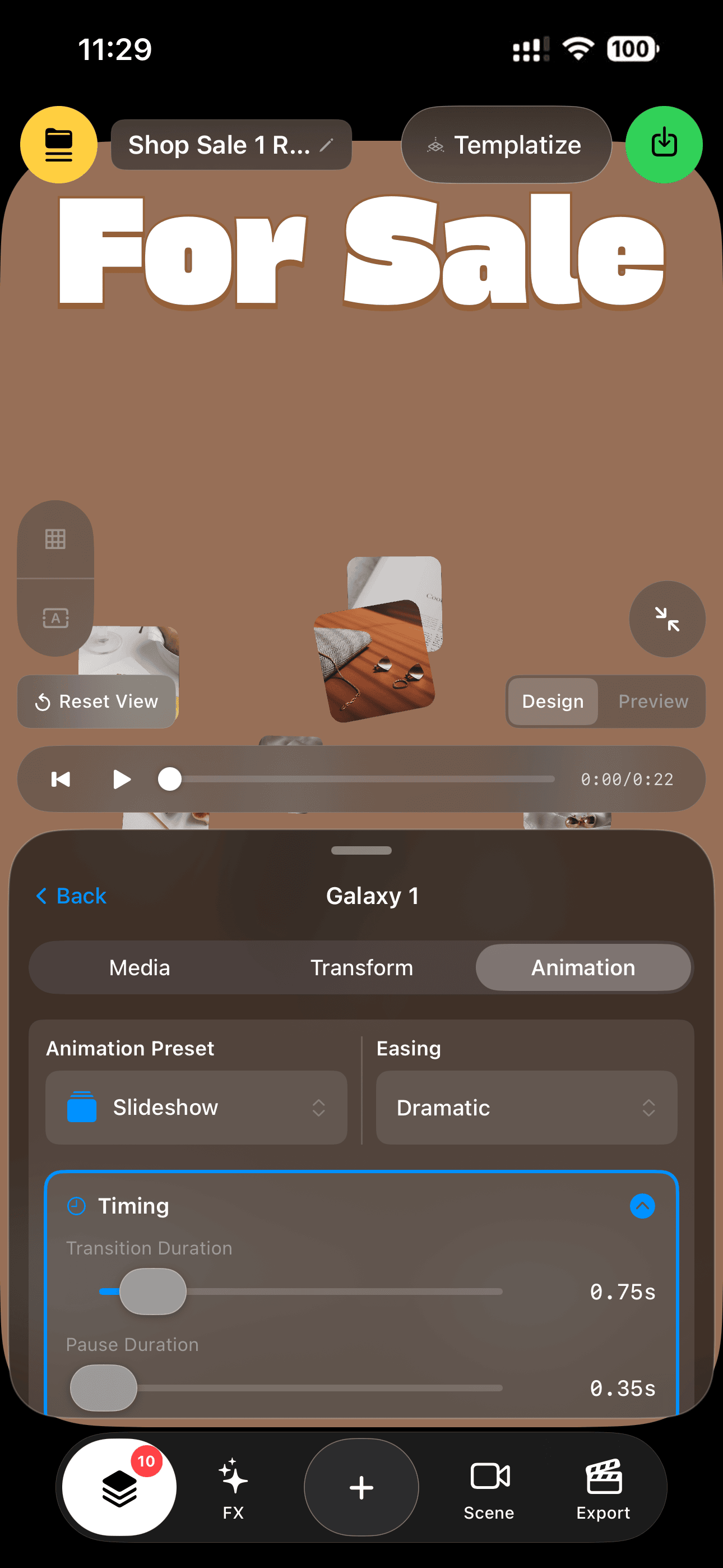
Groups can auto-cycle their media like a 3D slideshow — with transition, pause, and easing controls.
8. Text on a Path
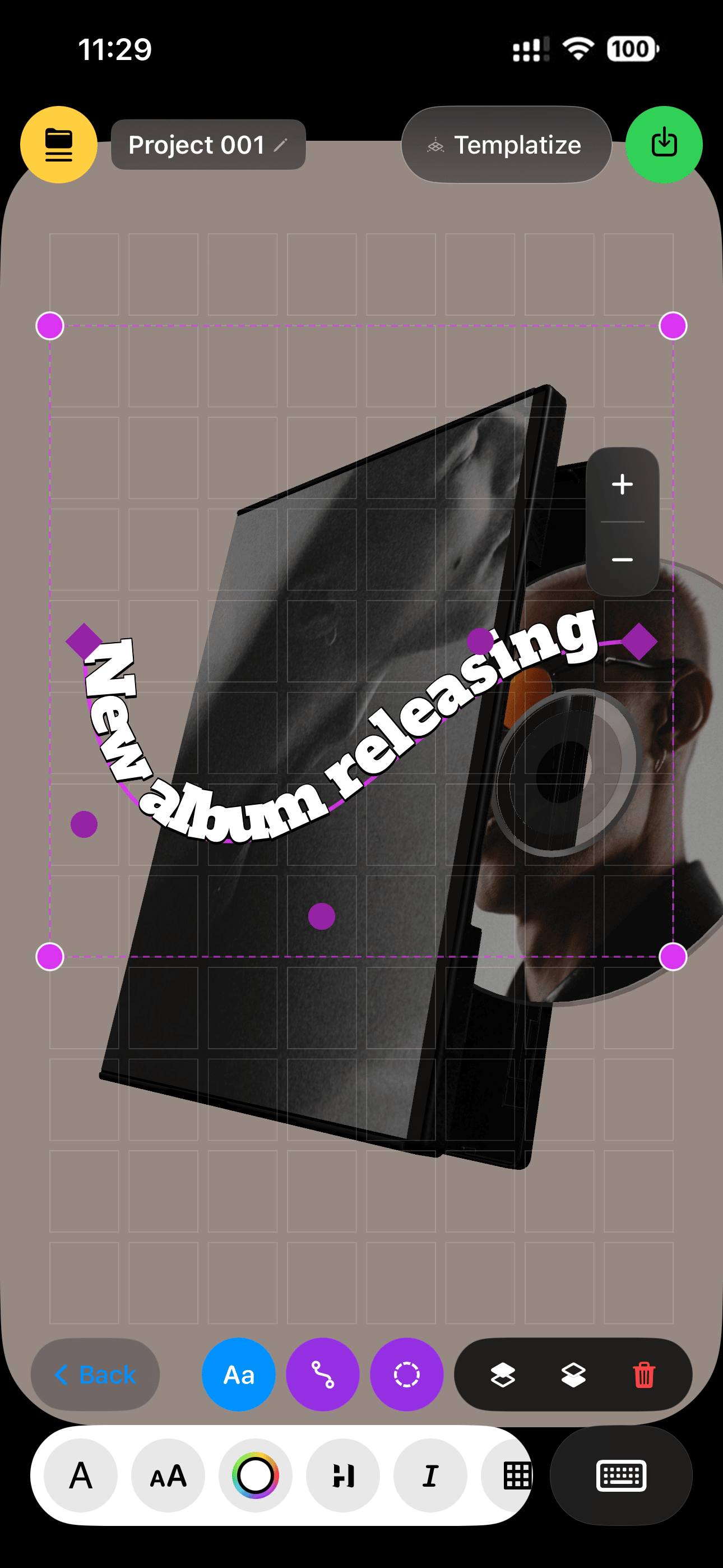
Draw a curve and your text flows along it — drag control points, and it re-lays out live.
9. Text on Shapes
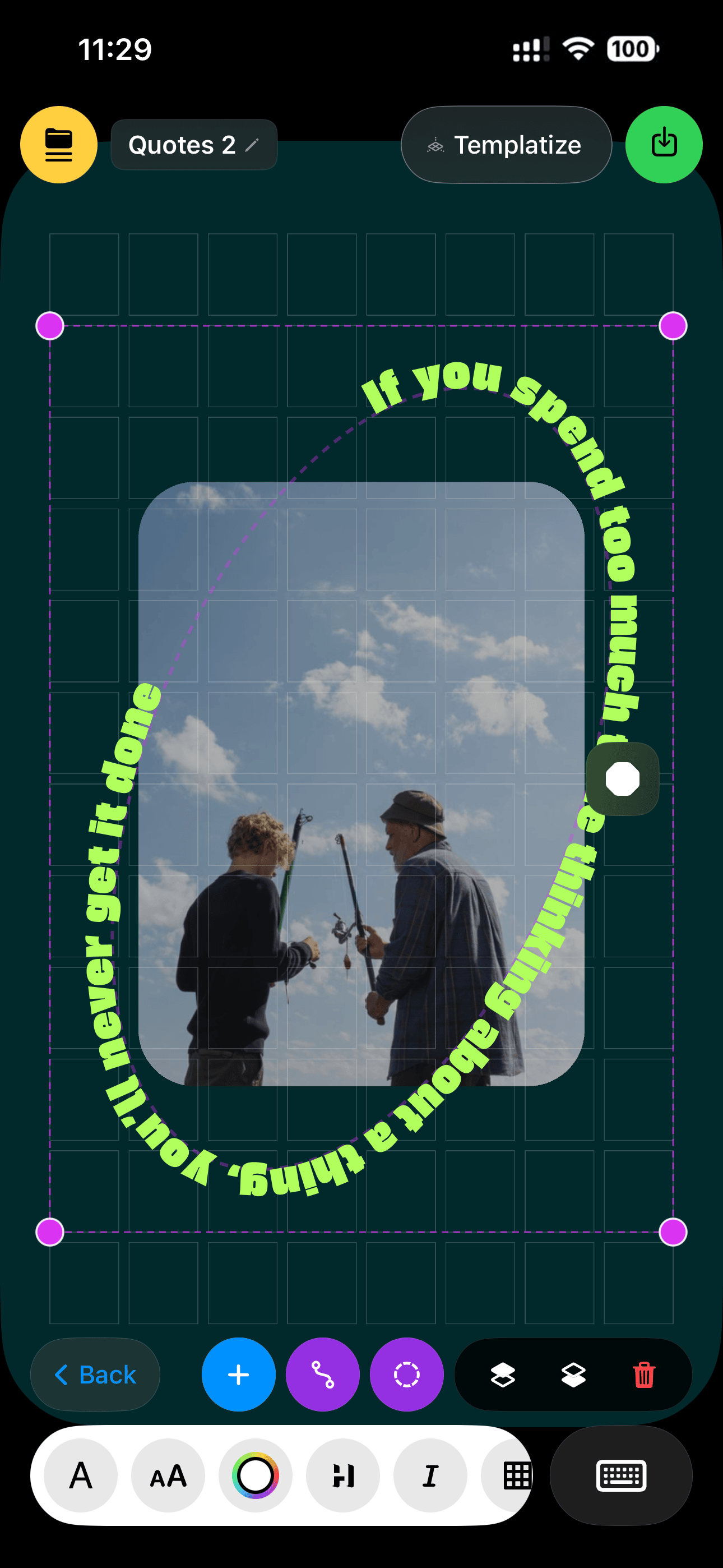
Wrap text around circles, ovals, flowers and more — 8 SVG shape presets, with looping ticker motion and direction control.
10. 3D Object Library
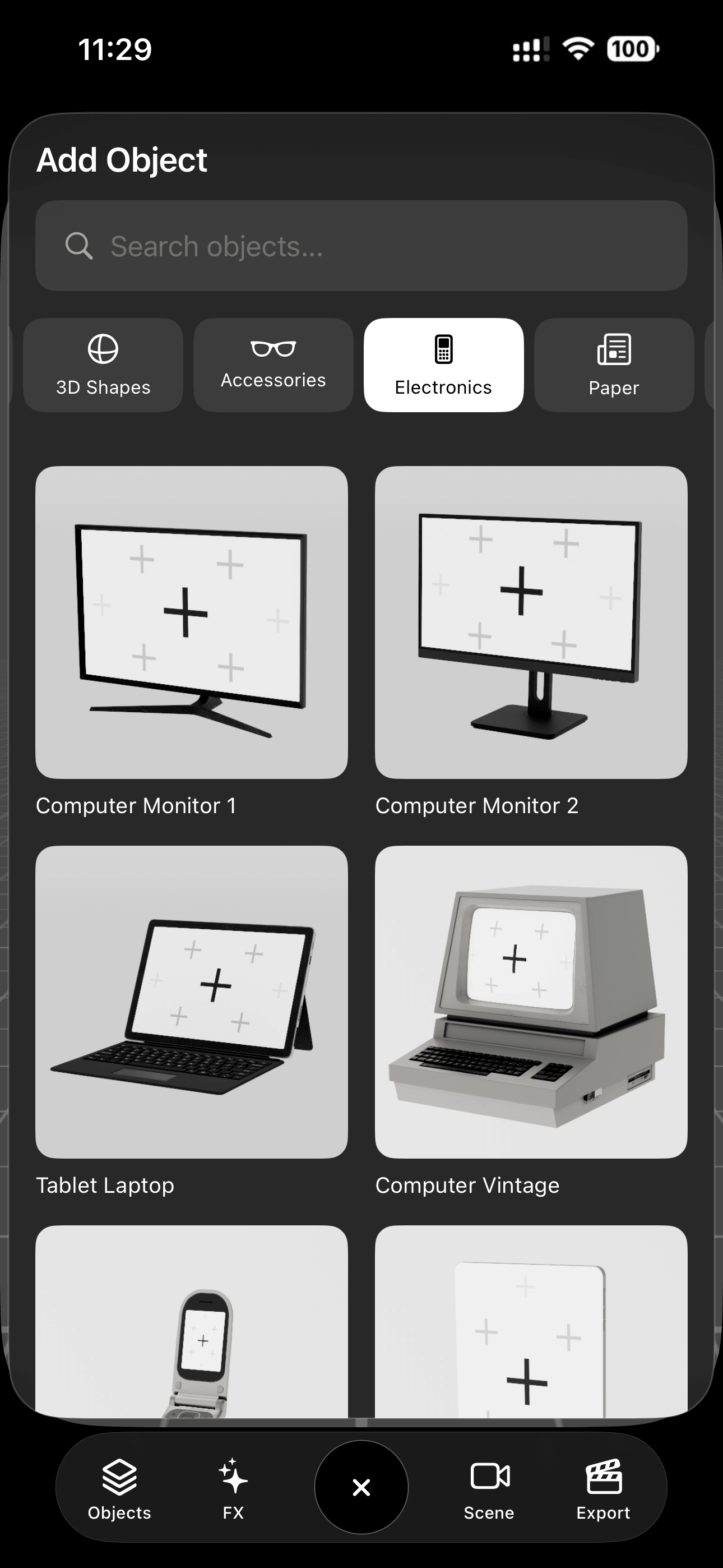
50 designed 3D models in 7 collections, Electronics, Vintage, Street, Paper, Walls, Accessories, 2D Shapes and more to come
11. HDRI Environments & Real Reflections
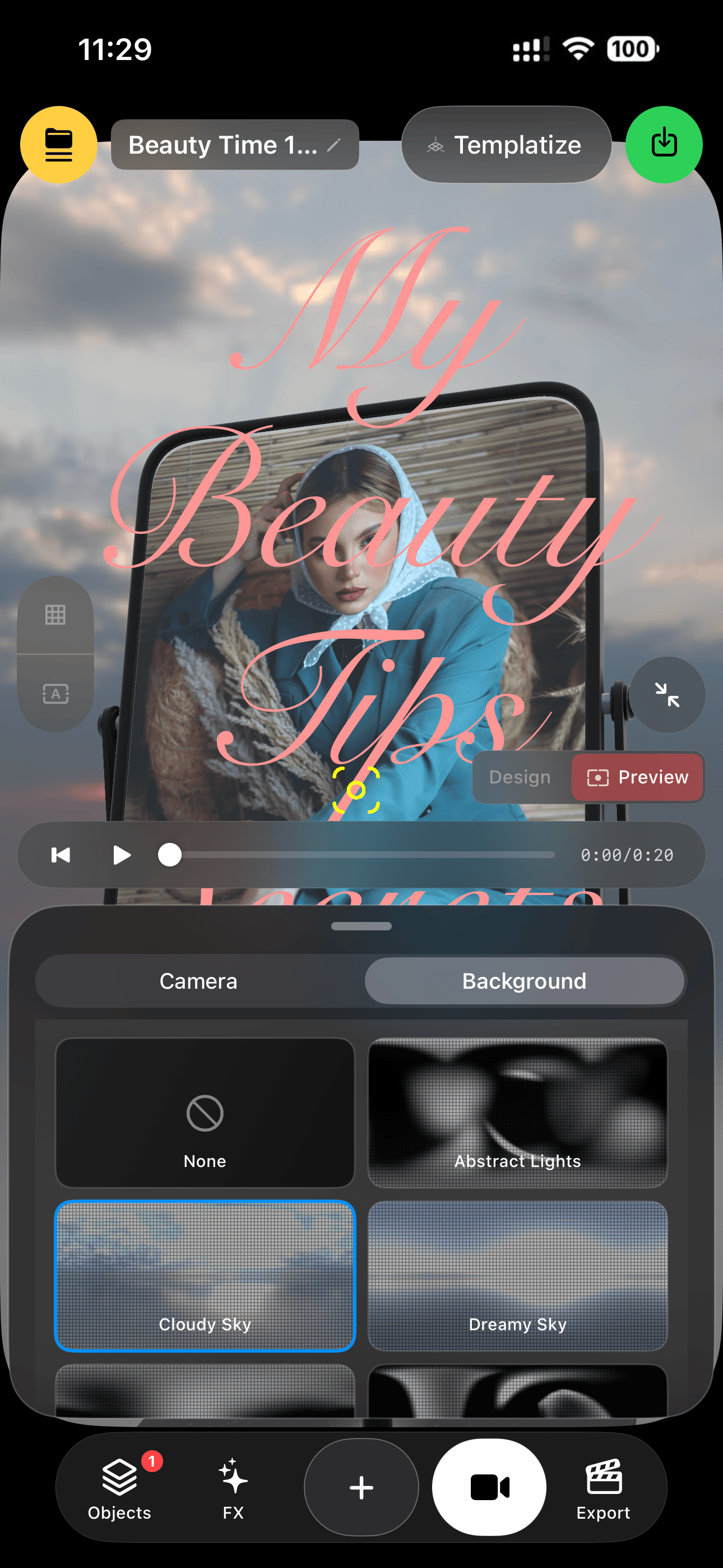
Five HDR environments light your scene with true image-based lighting — chrome and metal objects actually reflect the world.
12. Stackable Retro FX
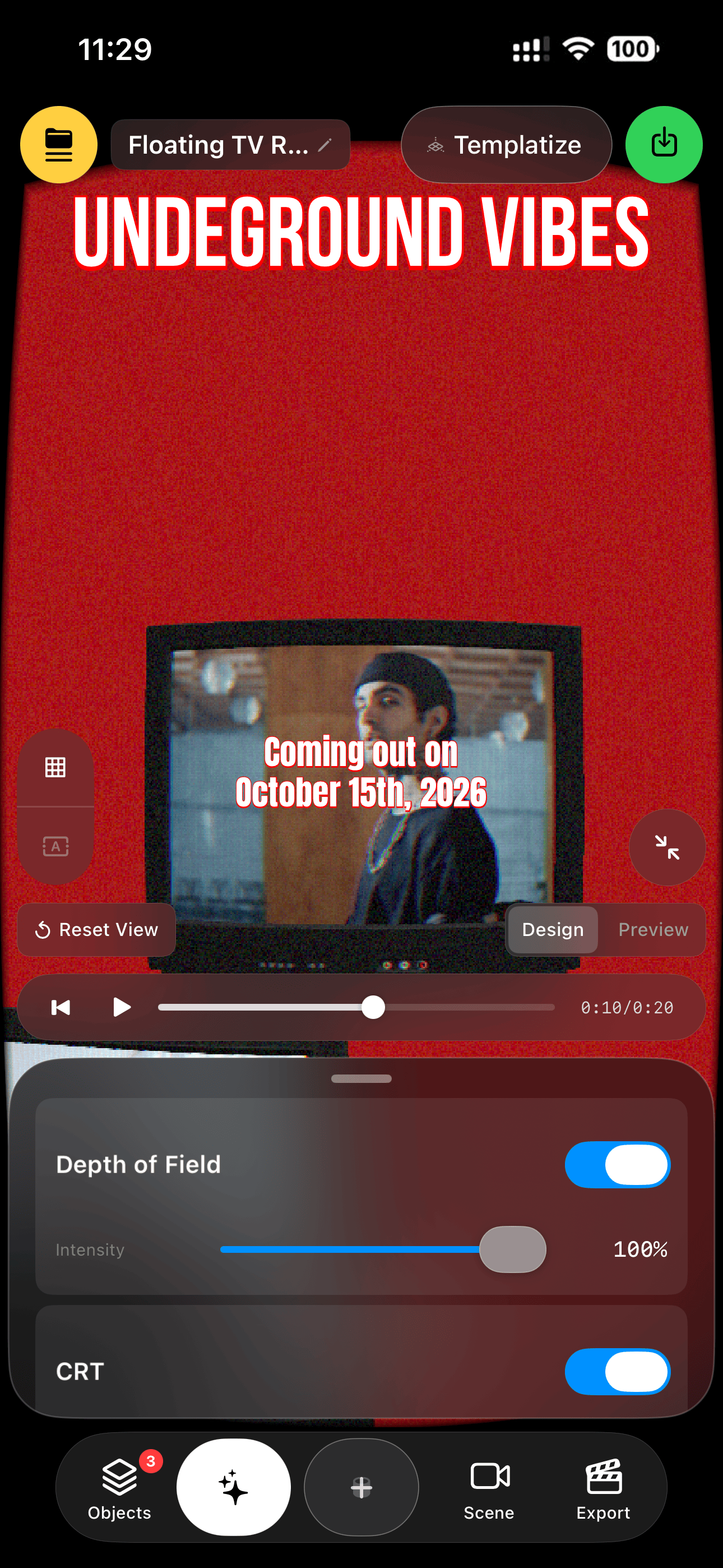
CRT, Glitch, Fisheye, and Depth of Field — stack them, tune each with sliders, rendered in real time on the GPU.
13. Remix Links
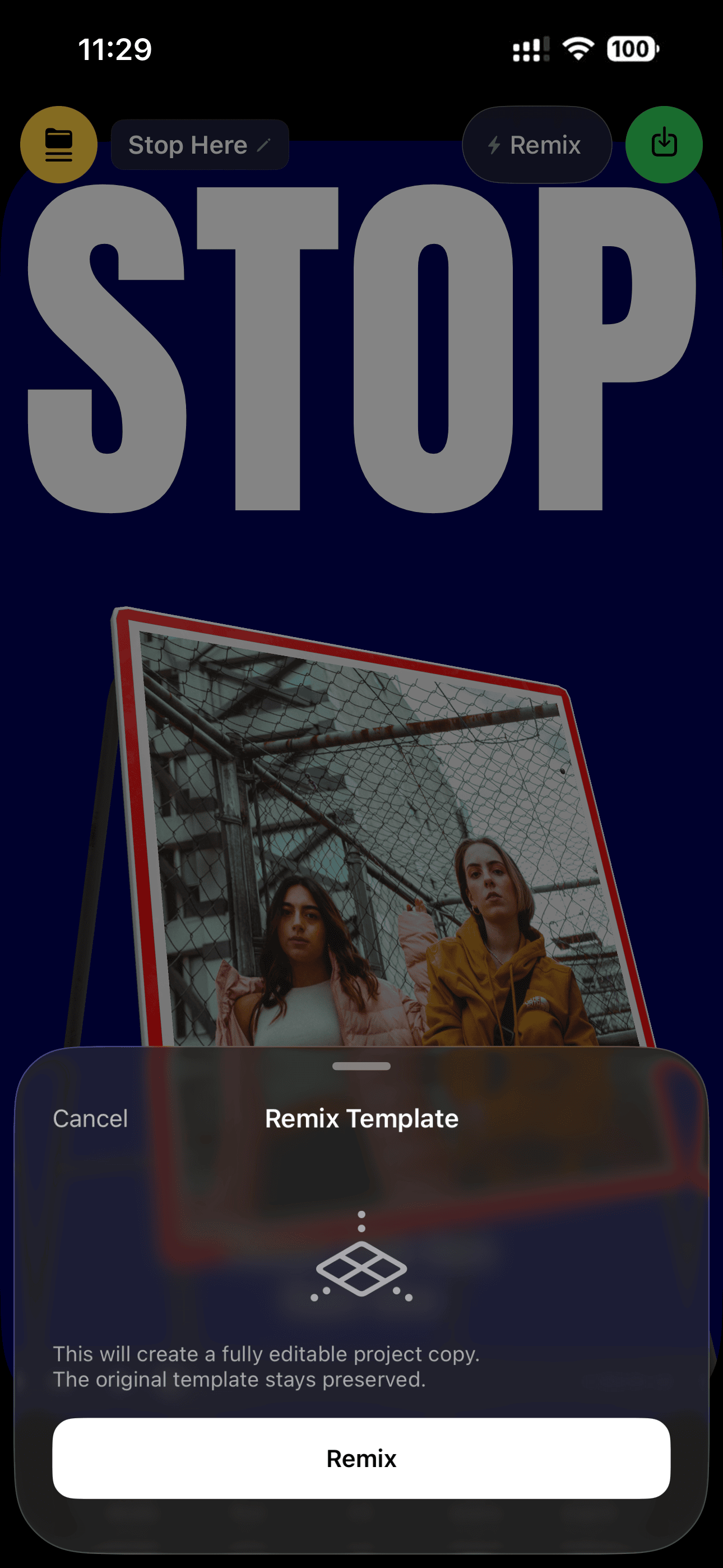
Share any template as a link or code — friends tap it and the full 3D template opens in their app, ready to remix.
14. Your Template Library
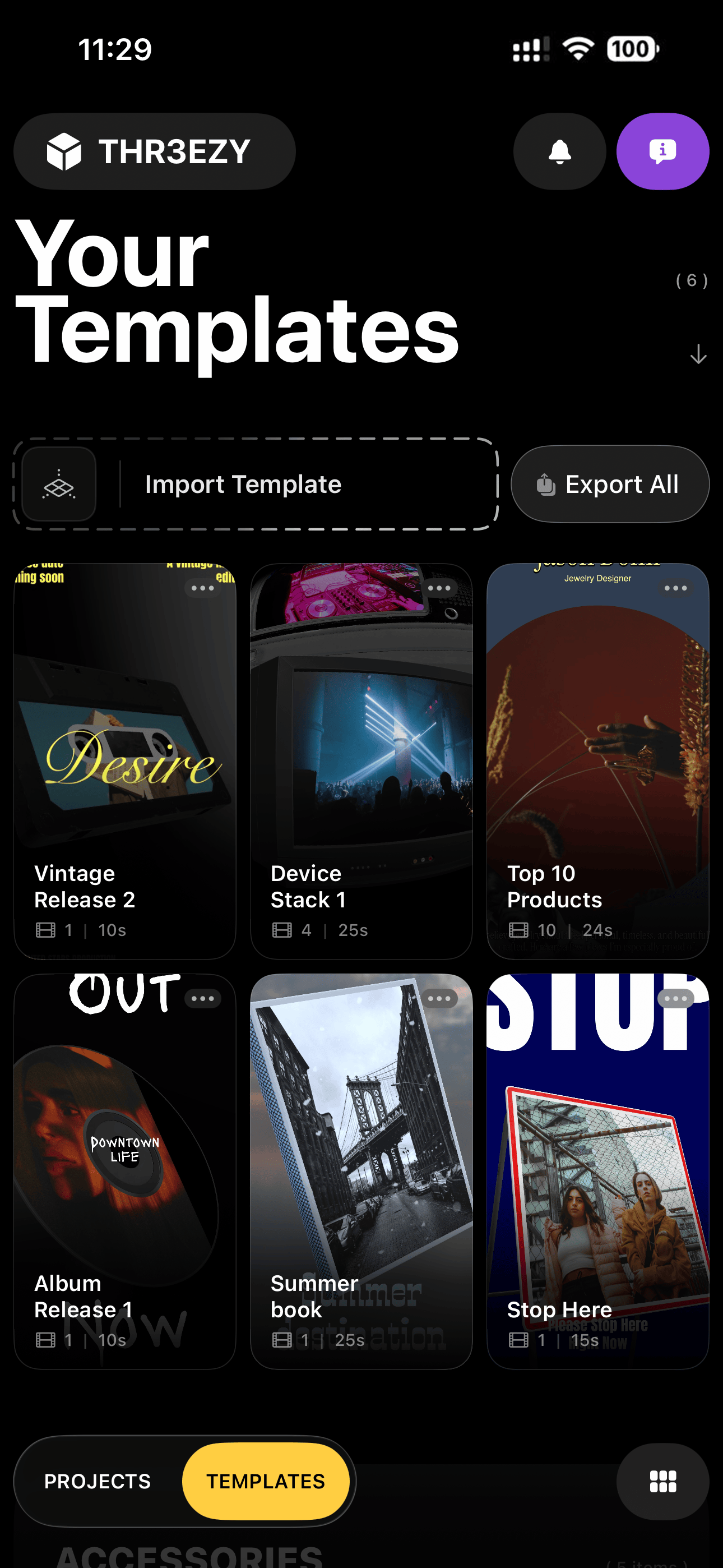
Save any edit as a reusable template — your own library, with one-tap import and Export All backup.
15. Export for social
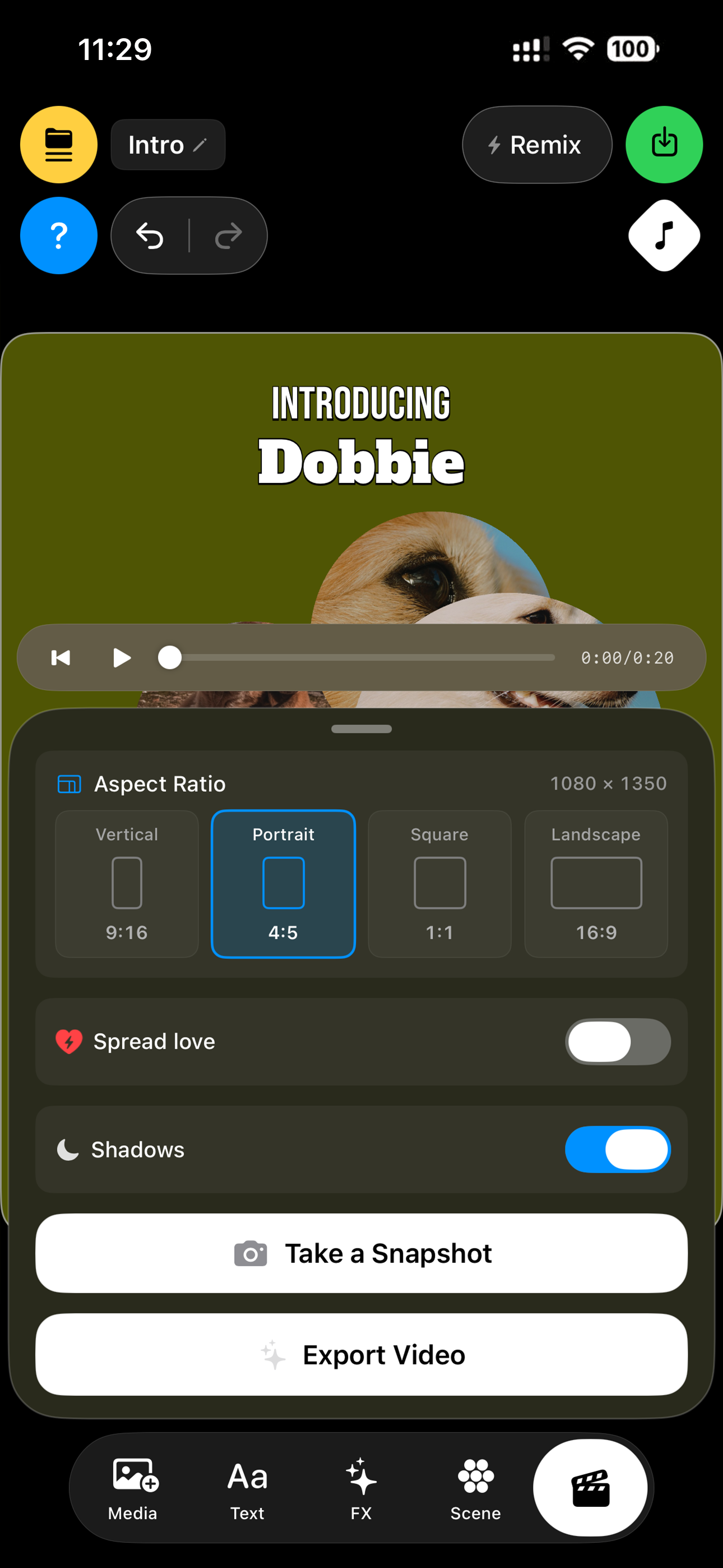
Create and export 3D videos in 9:16 vertical, 4:5 portrait, 1:1 square or 16:9 landscape with THR3EZY on iPhone. Choose your video aspect ratio directly in the export panel, so your creativity is never limited to one frame.
Make vertical videos for Instagram Reels, TikTok and YouTube Shorts, choose portrait or square formats for social media posts, or give your animation more room with widescreen landscape video.
16. One-Tap Save to Photos & Share
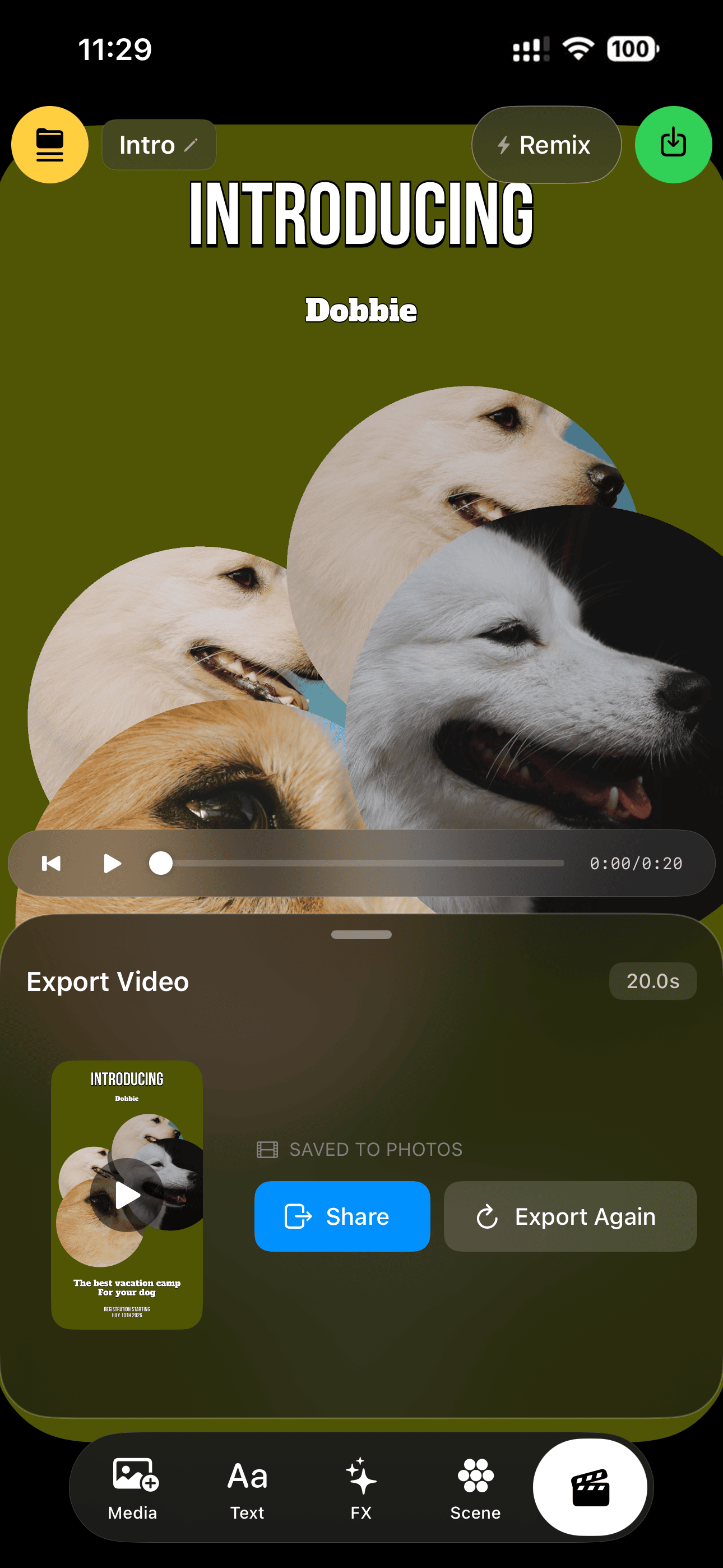
Deterministic GPU export with a live progress bar, then straight to your photo library with a share sheet ready.
17. 60 fps Live Preview & Timeline
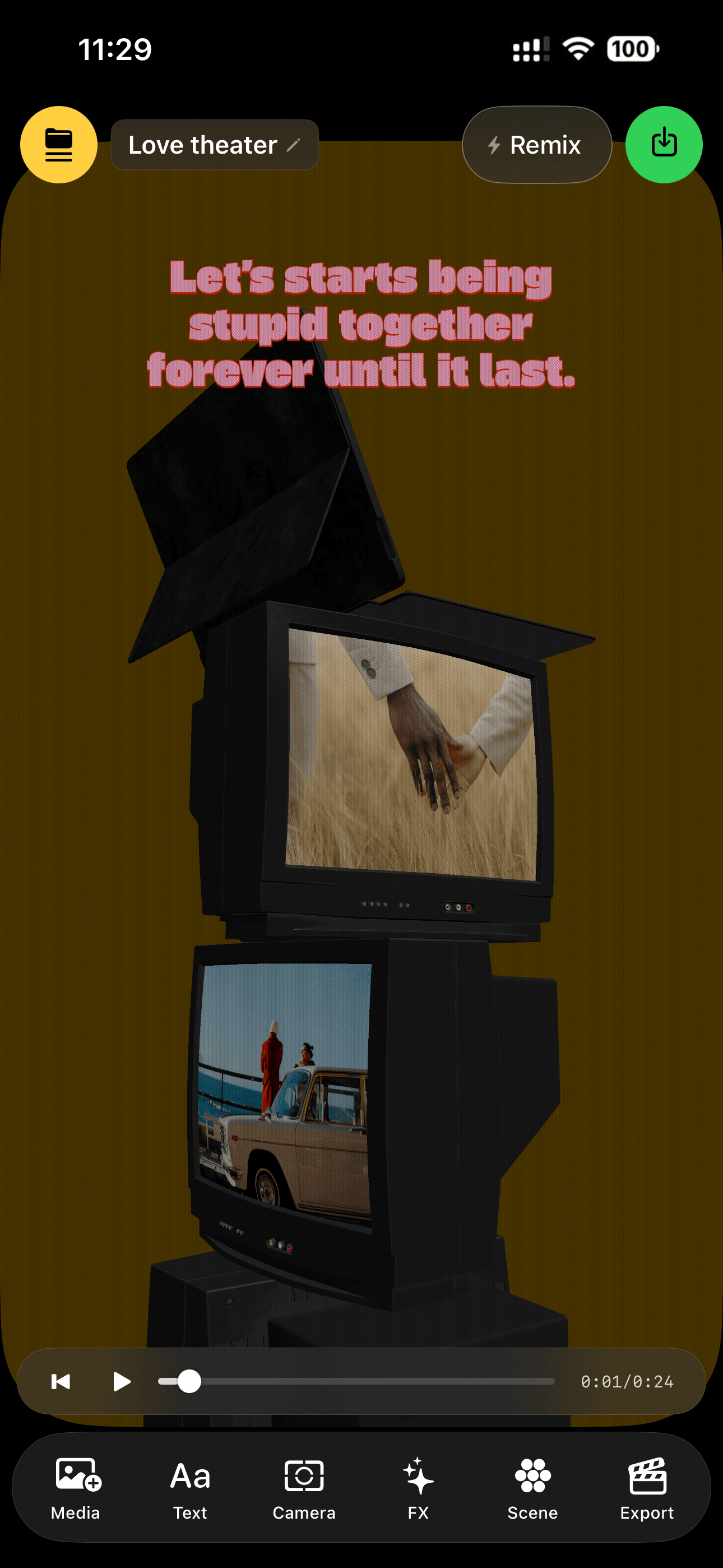
Scrub and play your full 3D scene at 60 fps — the editor chrome melts away during playback.
18. Home & Template Discovery