THR3EZY

The only iOS free iPhone 3D video editor that turns your content into 3D Cinematic videos

Create polished, animated 3D videos directly from your iPhone.
Build scenes with realistic objects like phones, TVs, and abstract shapes, drop in your images or videos as live media on those objects, and choreograph cinematic camera moves around them.

● Step – 1 

Start
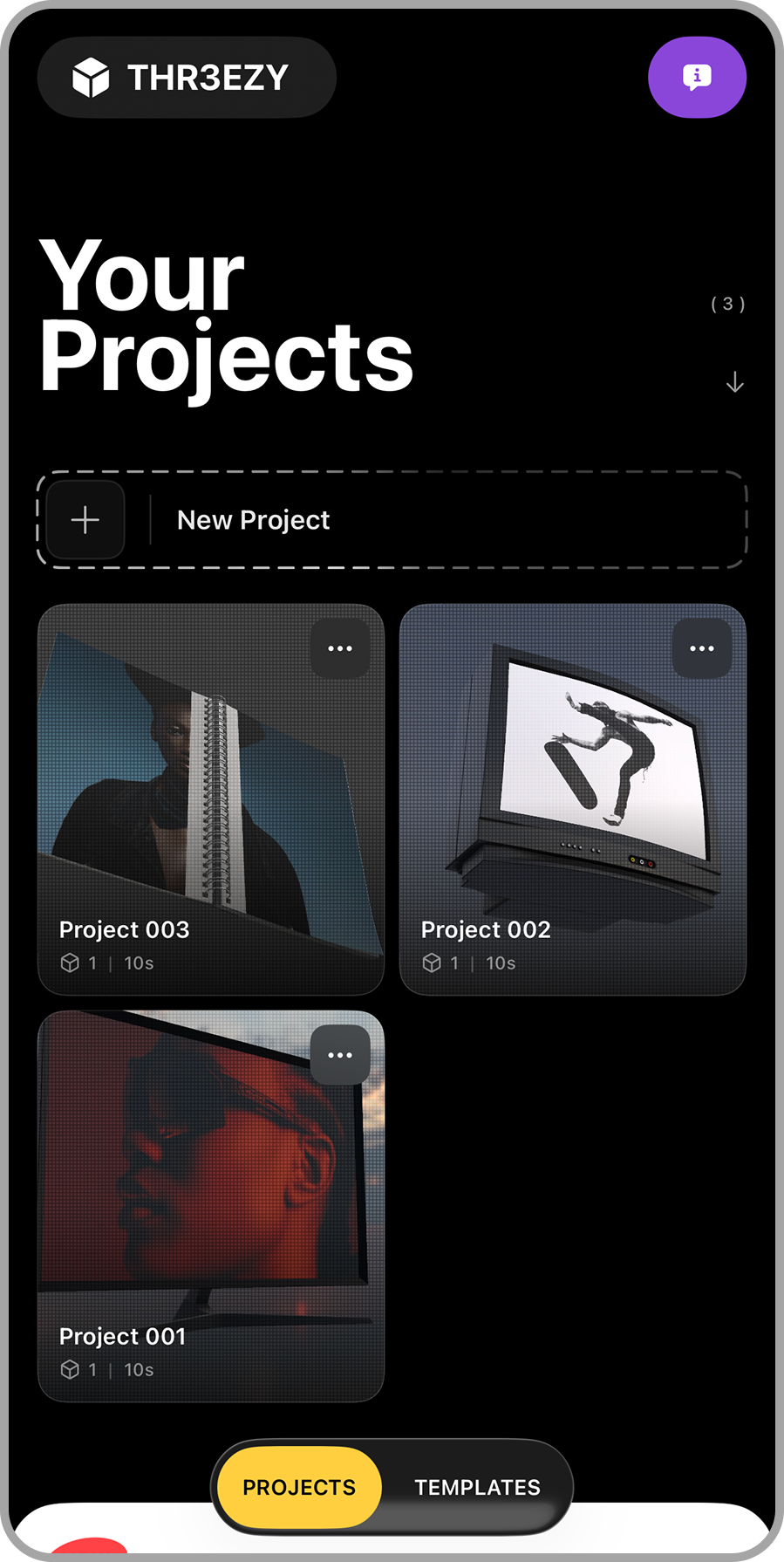
Mobile app screen showing user projects interface with three projects titled Project 001, Project 002, and Project 003. The screen has a black background with white text, a purple info icon in the upper right corner, and a yellow 'PROJECTS' button at the bottom.

Build from scratch your own project with custom controls or use one of our homemade template.

● Step – 2 

Add 3D Objects
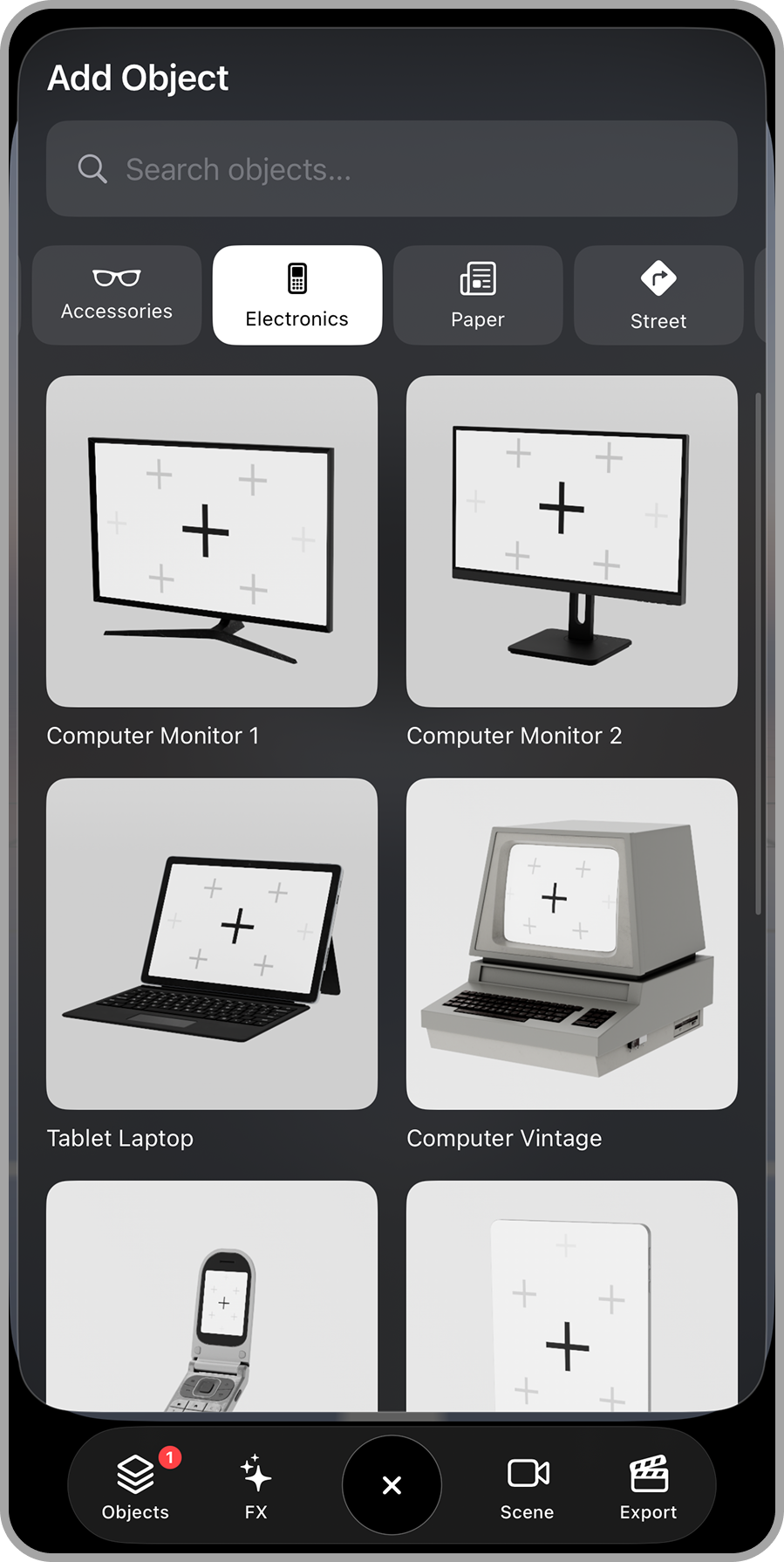
A smartphone screen showing a user interface for adding electronic objects, with options for various types of electronics such as computer monitors, laptops, vintage computers, and mobile phones.
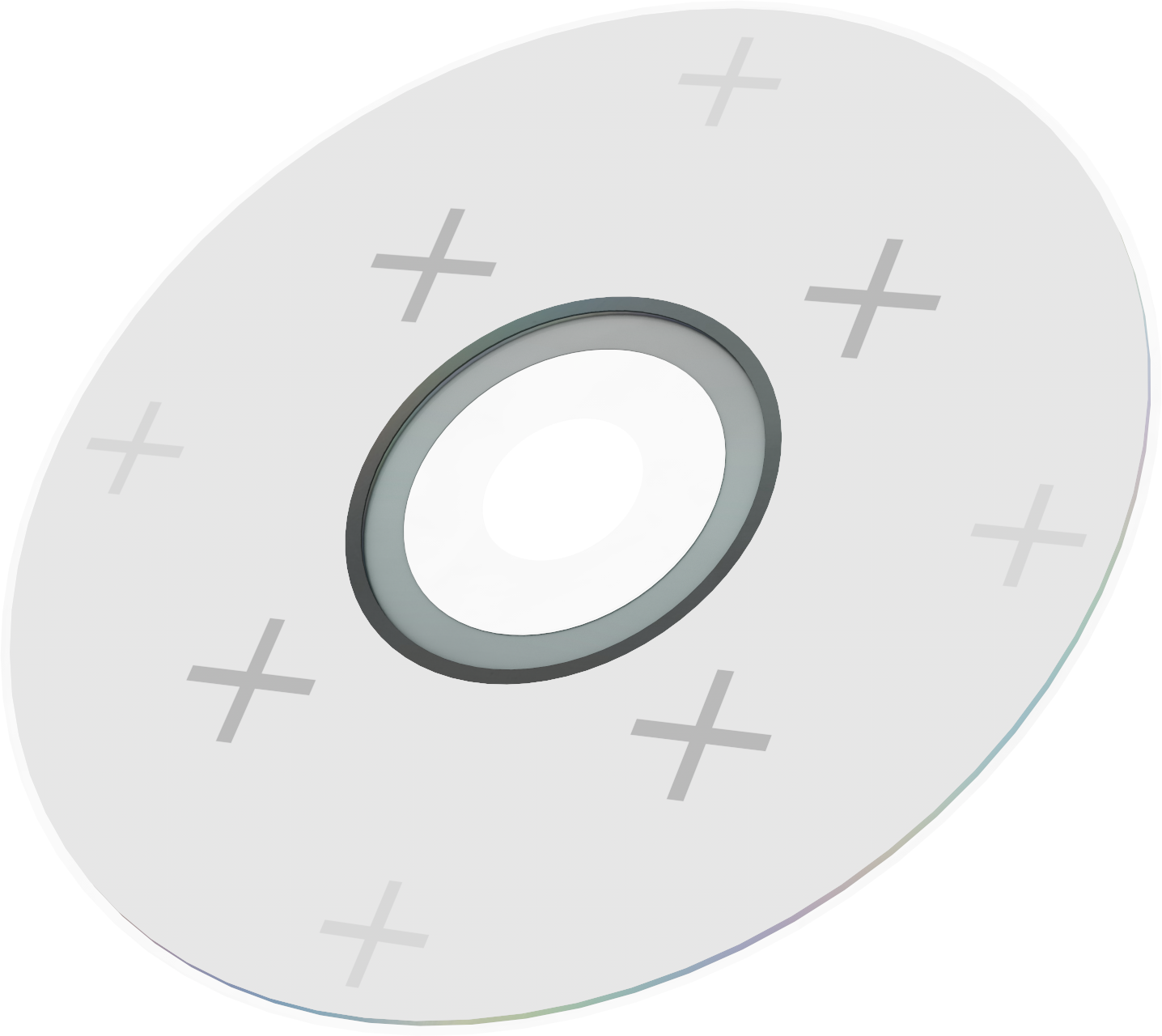
A close-up view of a music CD.
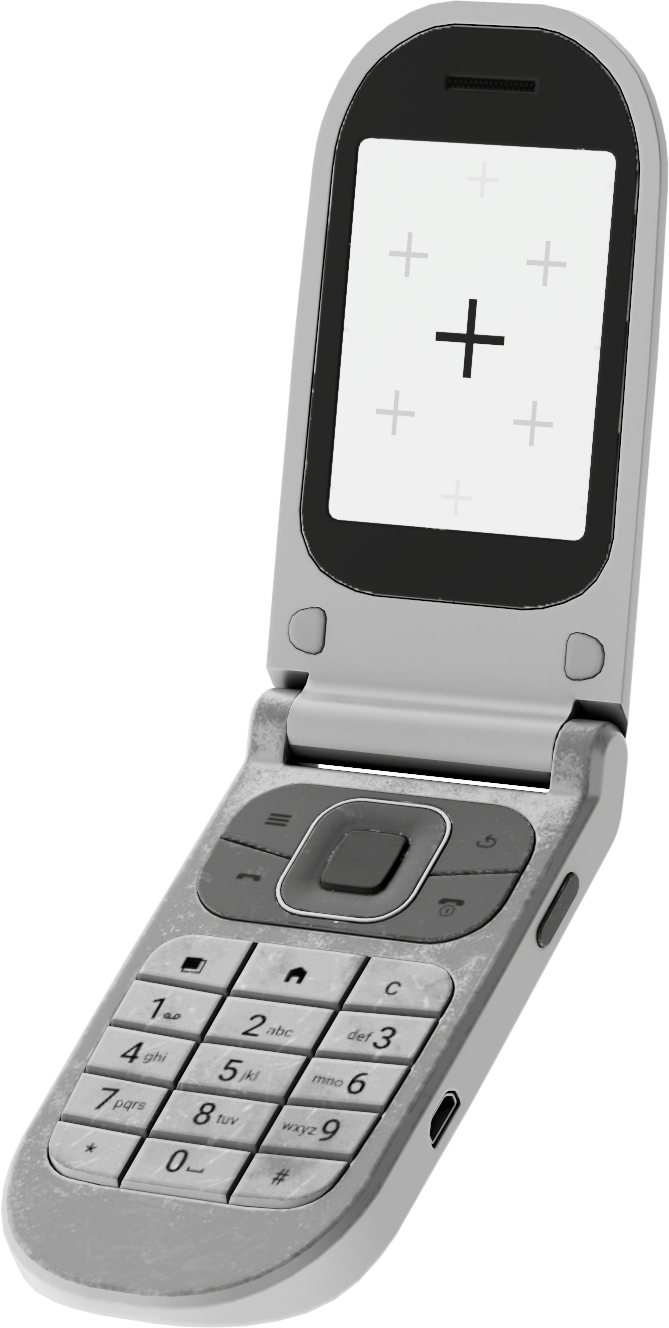
A flip phone with a screen displaying a large plus sign and smaller plus signs, in black, white, and gray colors.

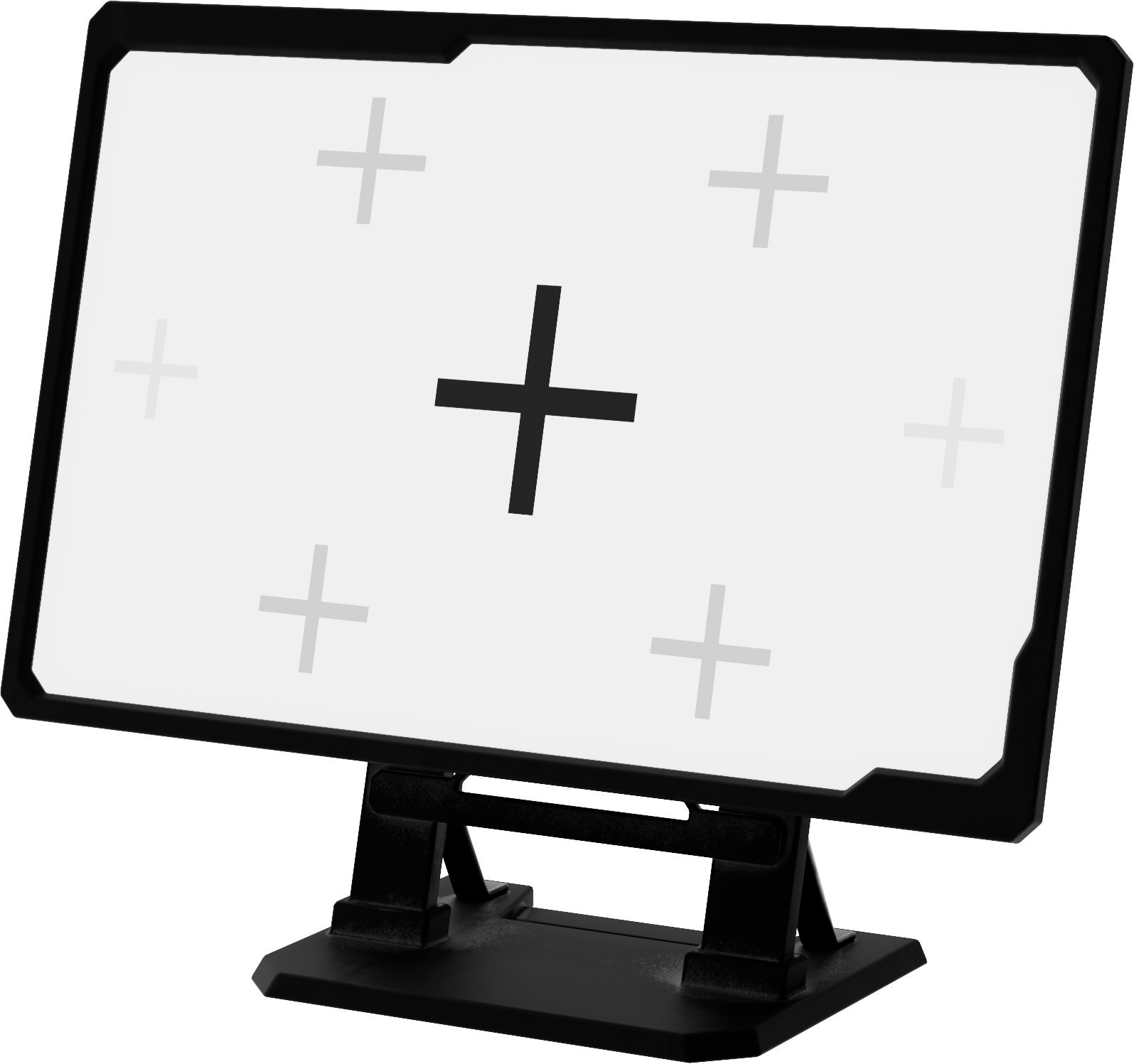
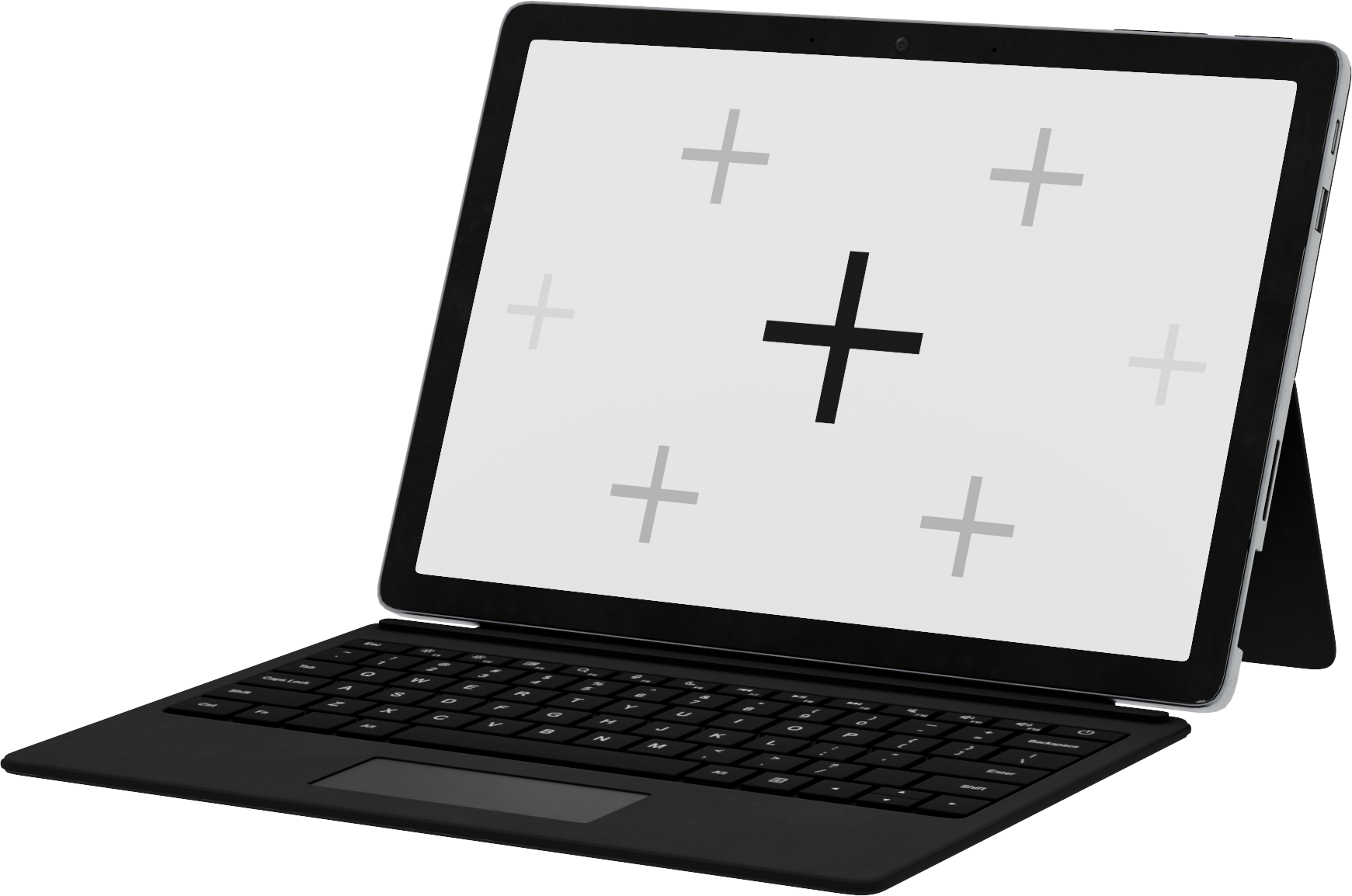
Choose from shapes, electronics, and custom models to build your scene.
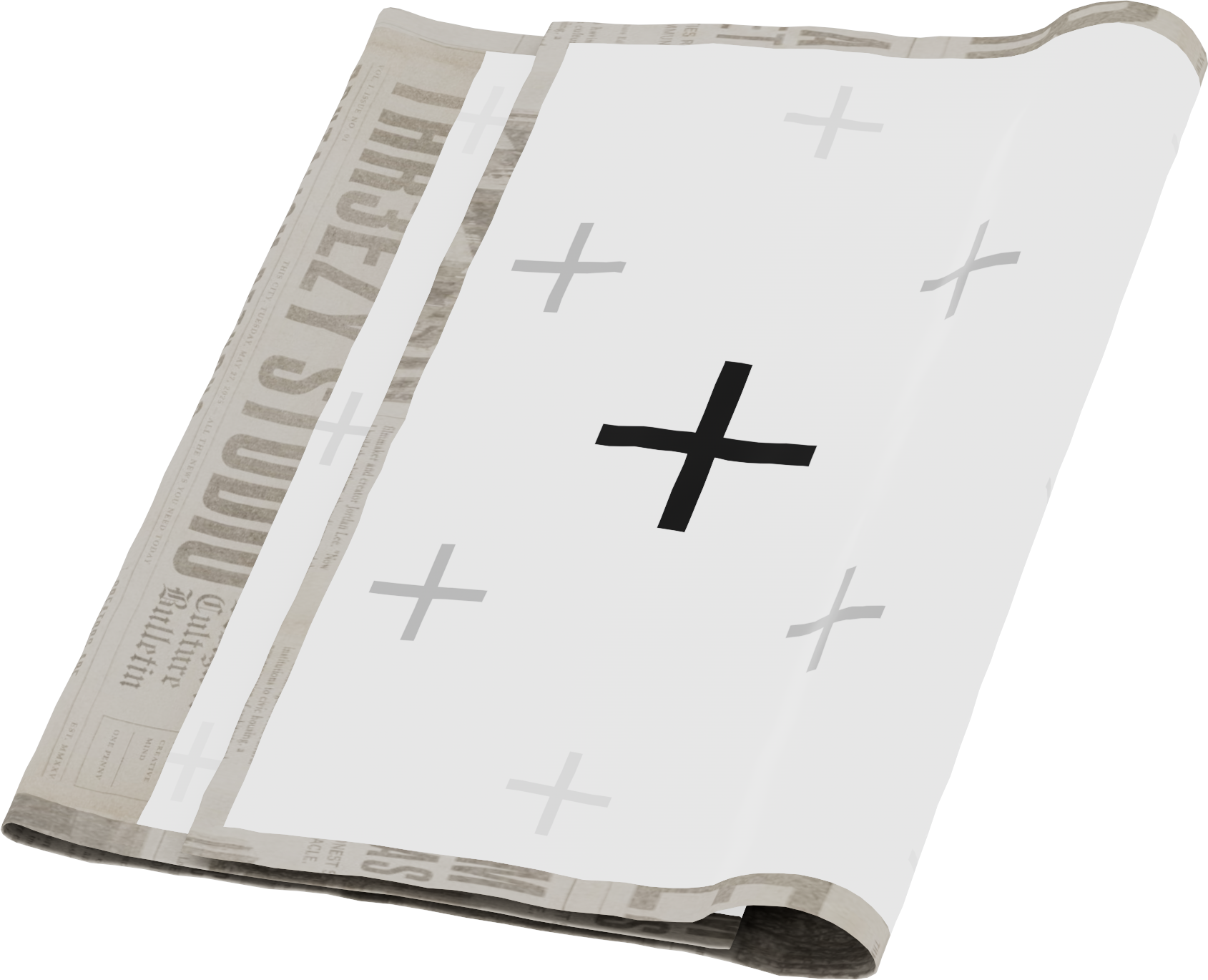
A newspaper with a large black cross in the center and multiple smaller gray crosses across the page.
A digital display screen with a black arrow pointing down, surrounded by six gray plus signs, set on a black stand.
A 2-in-1 laptop with a detachable screen showing a placeholder for a touchscreen, connected to a physical keyboard, on a striped surface.

● Step – 3 

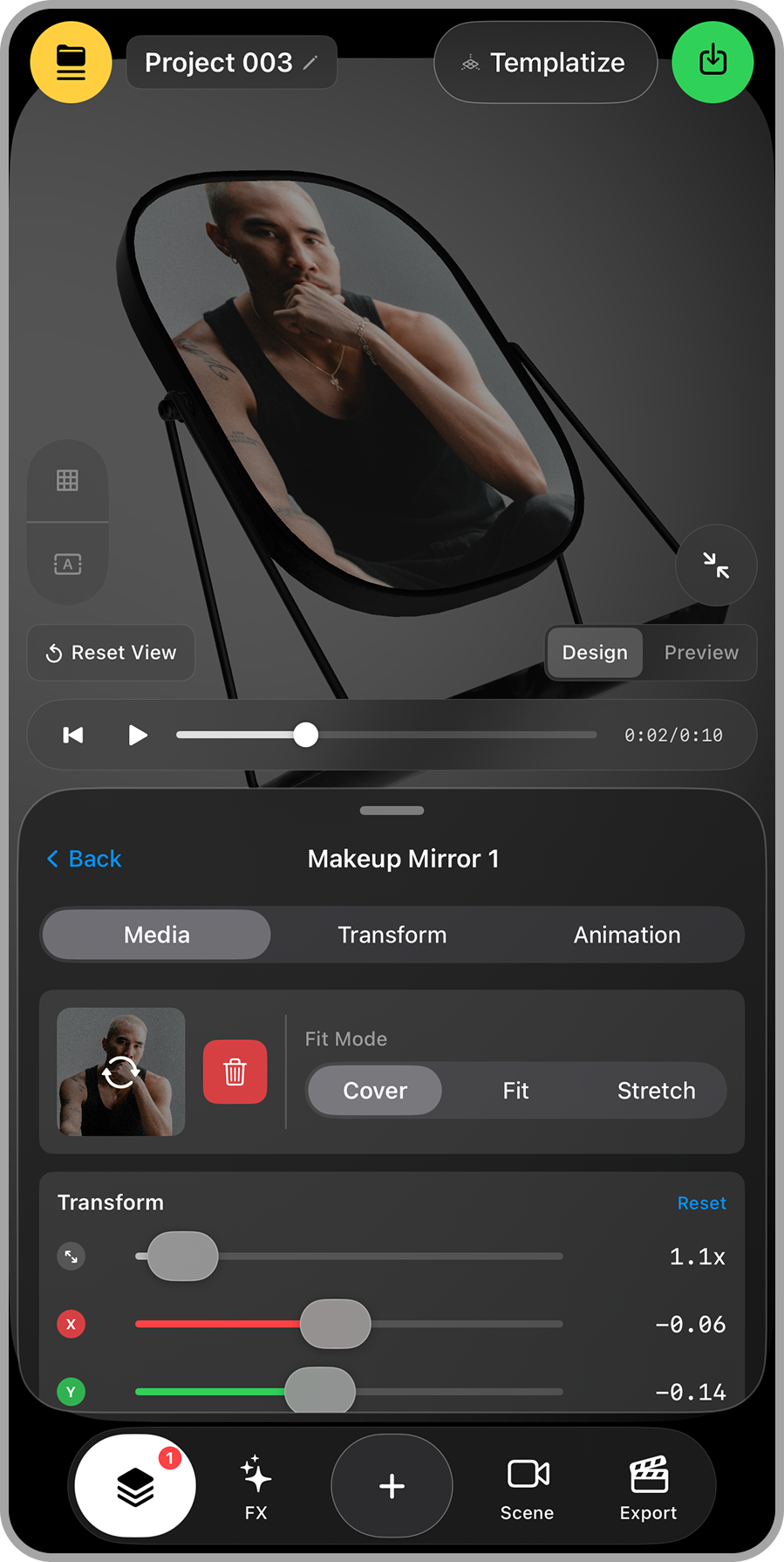
Apply Medias

A smartphone screen displaying a photo editing application with a photo of a person in a black tank top, holding their hand near their face, within a circular frame labeled 'Makeup Mirror 1'. The interface shows media, transform, and animation options, with sliders for adjusting transformations. The top of the screen has project and template options, and a green icon for saving or exporting.

Add images and videos to any surface on your 3D objects.

● Step – 4 

Animate Camera
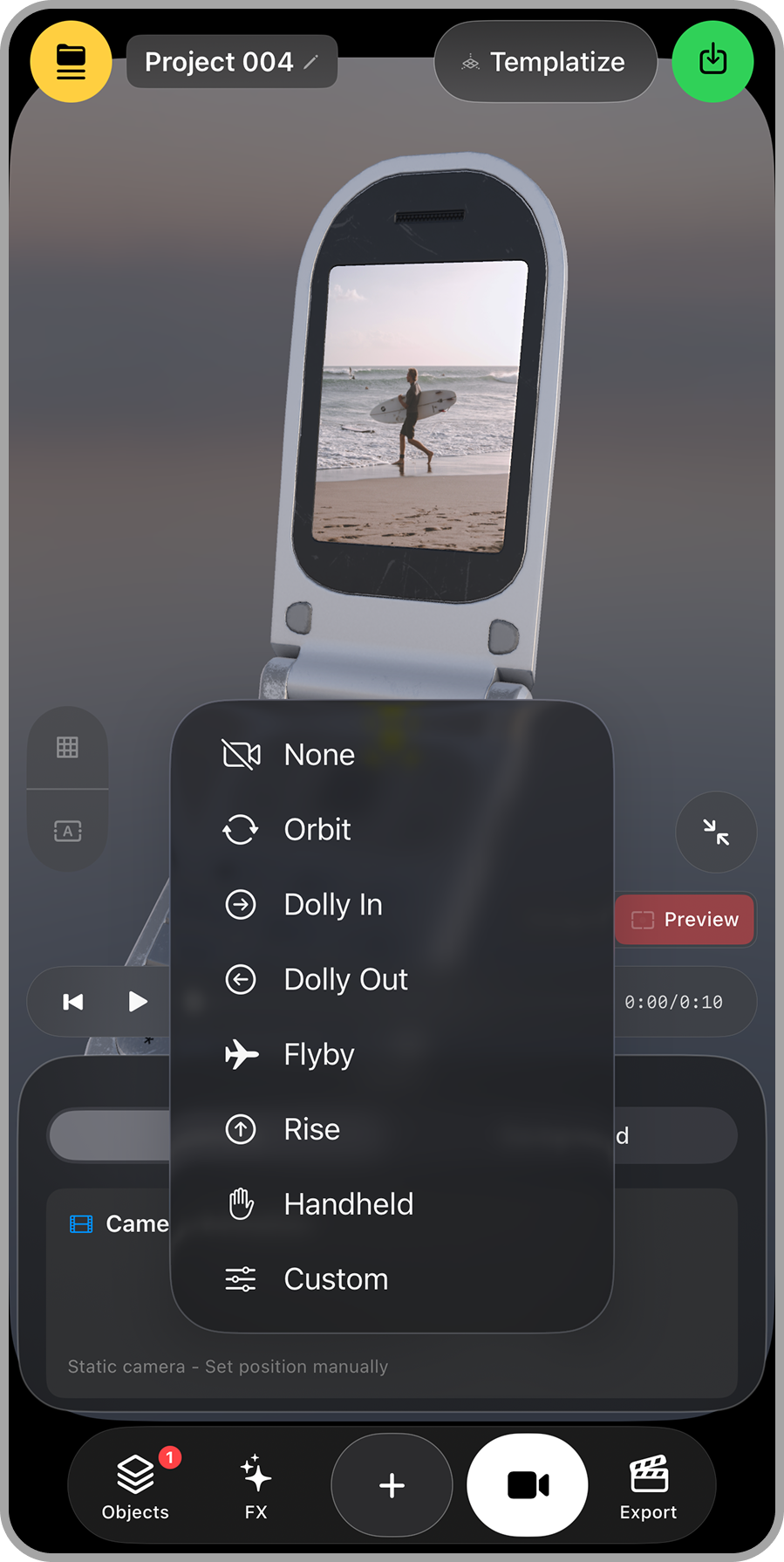
Smartphone screen displays a video editing app with options for camera movements, showing a person walking on the beach holding a surfboard, ocean in the background.

Pick camera presets like orbit, dolly, and flyby for cinematic movement.

● Step – 5 

Build Layouts
in Seconds
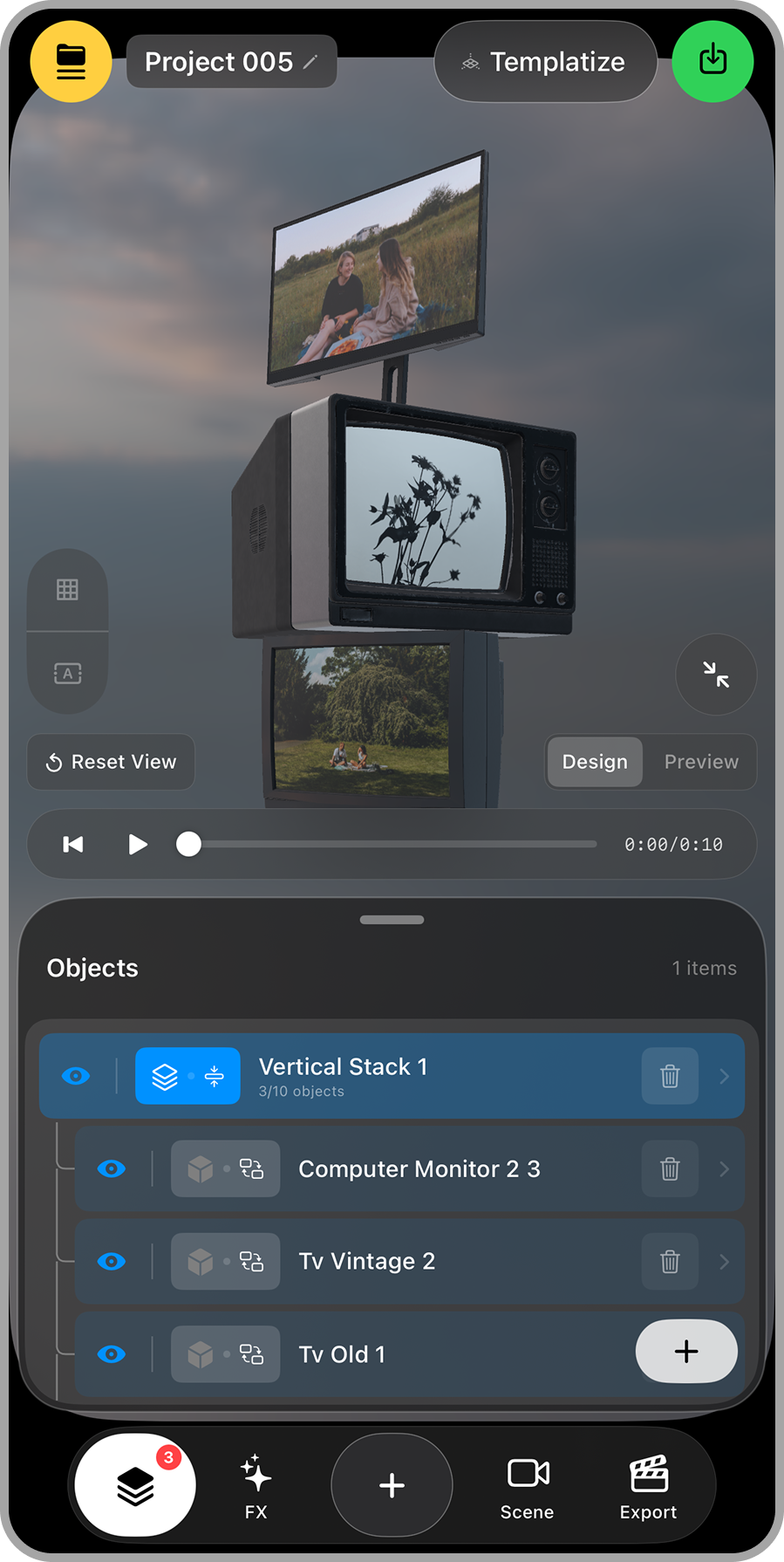
A graphic editing interface showing a three-screen setup with videos and images, including a scene of two women sitting outdoors, a vintage TV, a computer monitor, and a background of a cloudy sky.

Arrange objects instantly with Stack and Grid layouts.

● Step – 6 

Cinematic Camera Effects
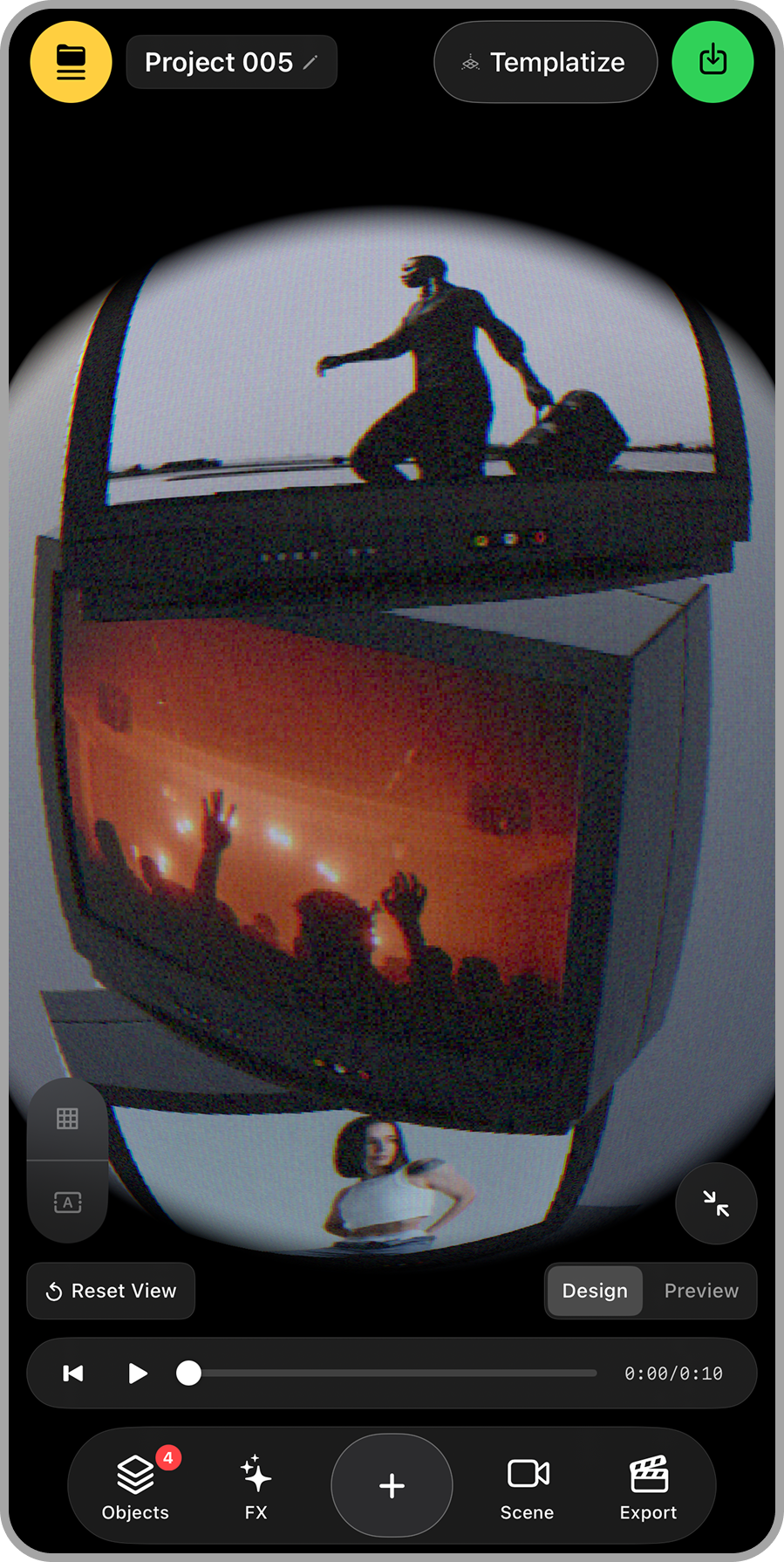
Reflection of a person taking a selfie in a fisheye mirror, with silhouettes of others at a concert or party behind them, and a person kneeling on a skateboard.

Overlays, Depth of Field, CRT, Glitch
and Fisheye.

● Step – 7 

Type, Style, Animate.
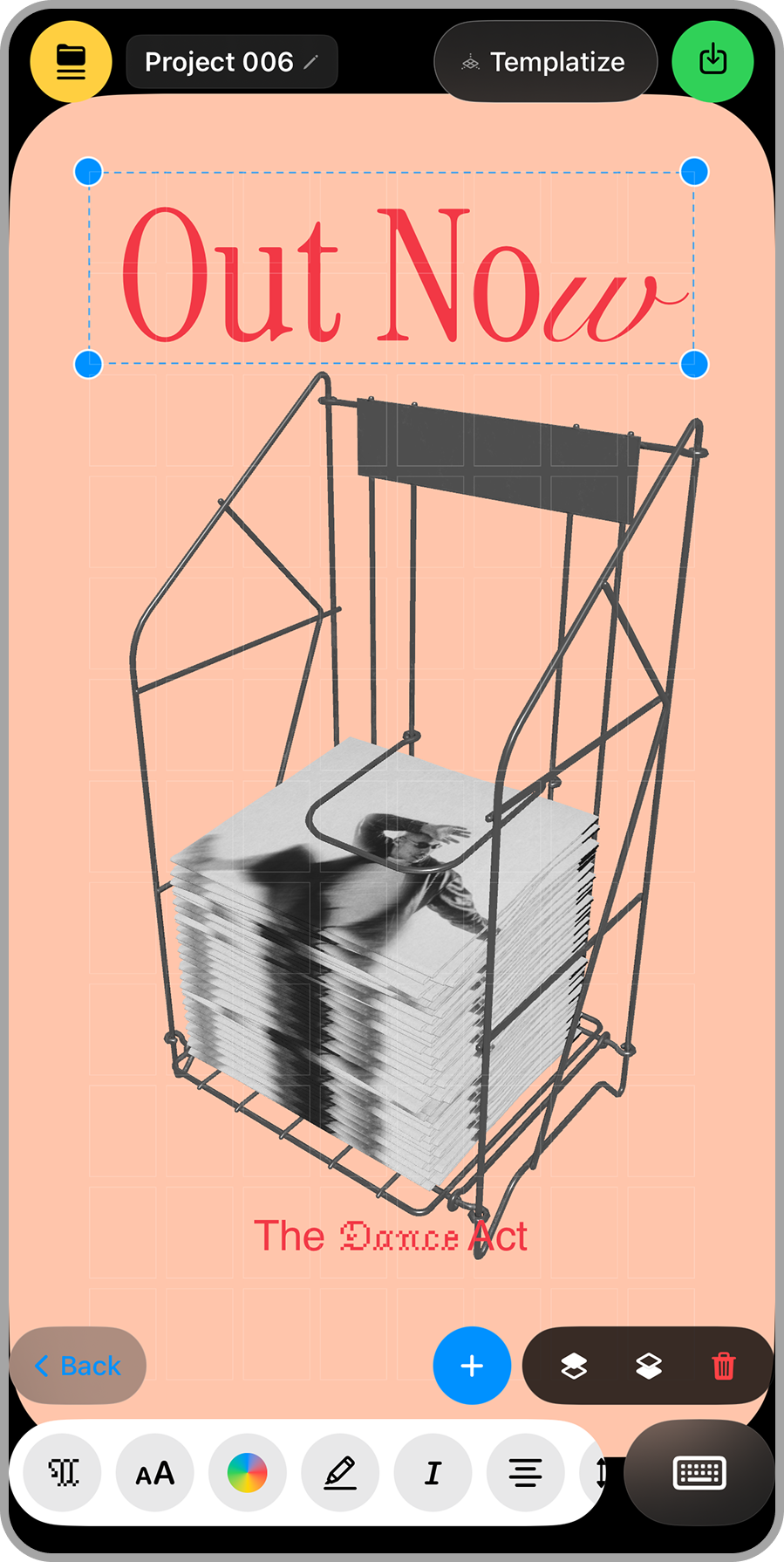
A graphic design of a shopping cart filled with a large stack of black-and-white photographs or magazine pages, with a cover photo of a man with dreadlocks. The cart is on a peach-colored background, with red text reading 'Out Now' at the top and 'The Dance Act' at the bottom.

Add text to your video and animate it with presets

● Step – 8 

Export
to Social
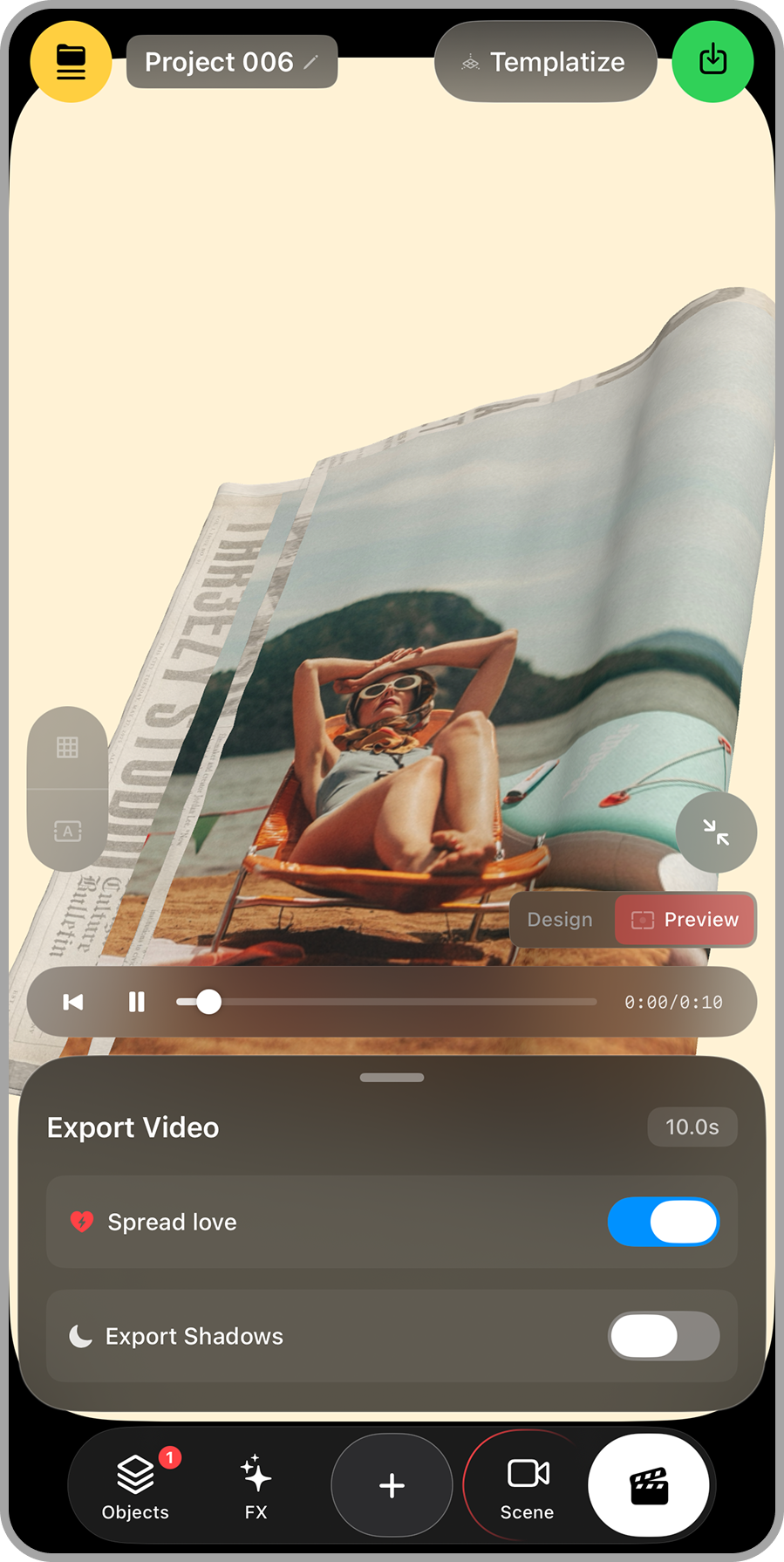
Screen capture of a mobile app editing a video featuring a woman lying on a lounge chair at the beach with mountains in the background, wearing sunglasses and a swimsuit.

Export video for Instagram Reels
and TikTok.

● Step – 9 

Share
& Remix
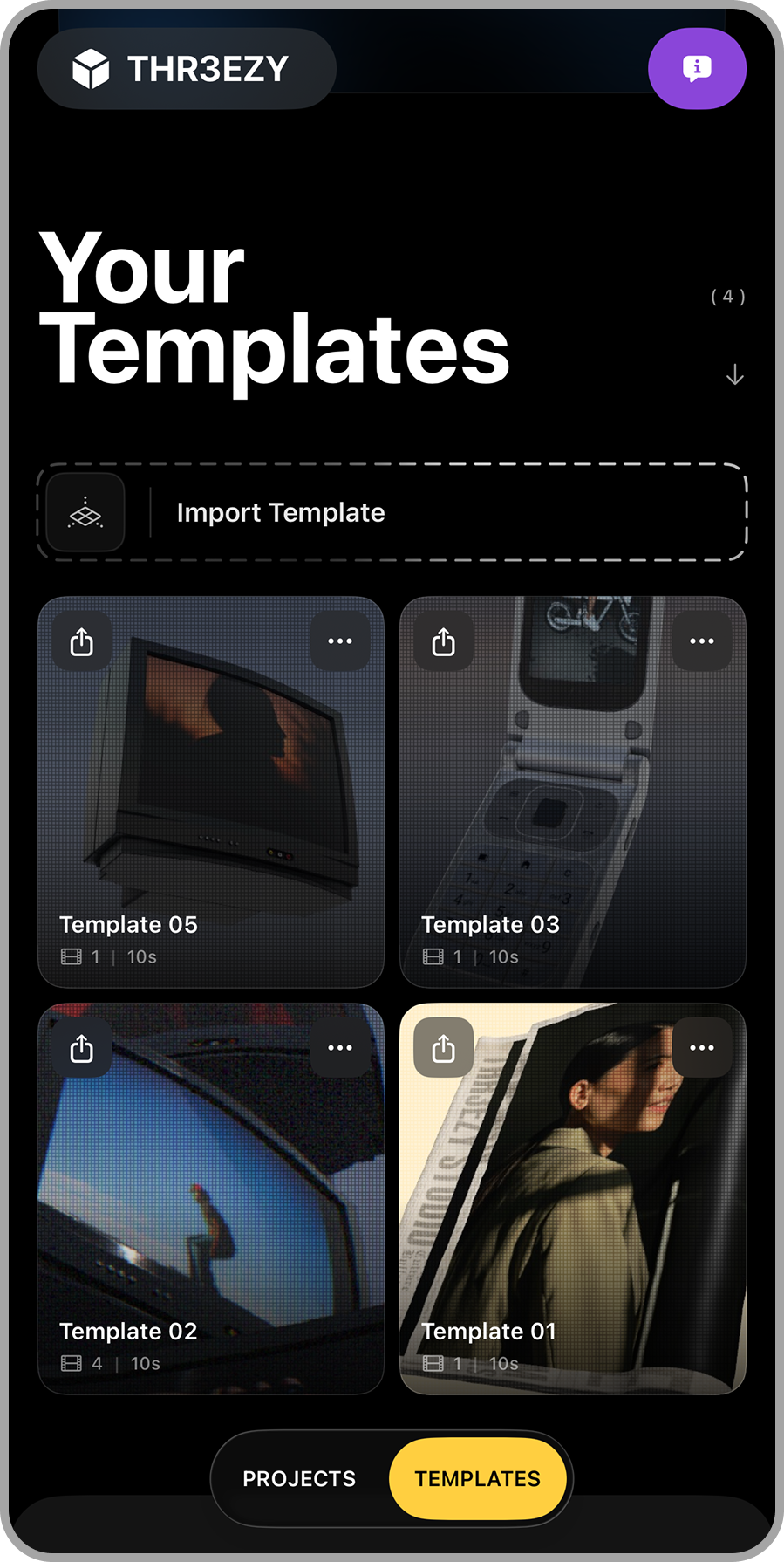
Mobile app interface showing a section titled 'Your Templates' with four thumbnail images of different screen templates, including a television, a flip phone, a window, and a person inside a car. There is a button labeled 'Import Template' and navigation options for 'Projects' and 'Templates' at the bottom.

Share your creation with your friends on social so they can use it too

● Step – 10 

Have Fun